Dear EGroupware Users,
in February the schedule was already quite full and right at the beginning of the year there were two exciting events. At the Univention Summit EGroupware was silver sponsor and at the CalConnect chief developer Ralf Becker and community manager Stefan Unverricht were able to make new contacts. In our February newsletter we would like to keep you informed about the latest developments at EGroupware.
Collabora Online 4.0 released
Collabora Online 4.0 was released on 14 February 2019. Further information can be found below in the newsletter.

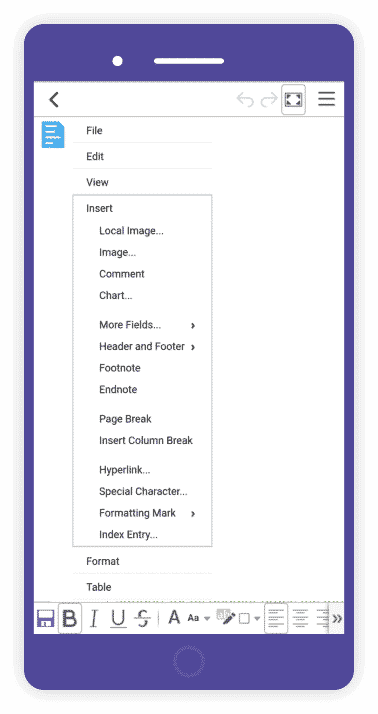
This release includes a new look, mobile improvements, improved interoperability, new dialogs and features, as well as a number of bug fixes and other improvements. Collabora Online 4.0 will soon be available in EGroupware Hosting and also for self-installations.
Collaboration with the developer of the CalDAV Synchronizer for Outlook
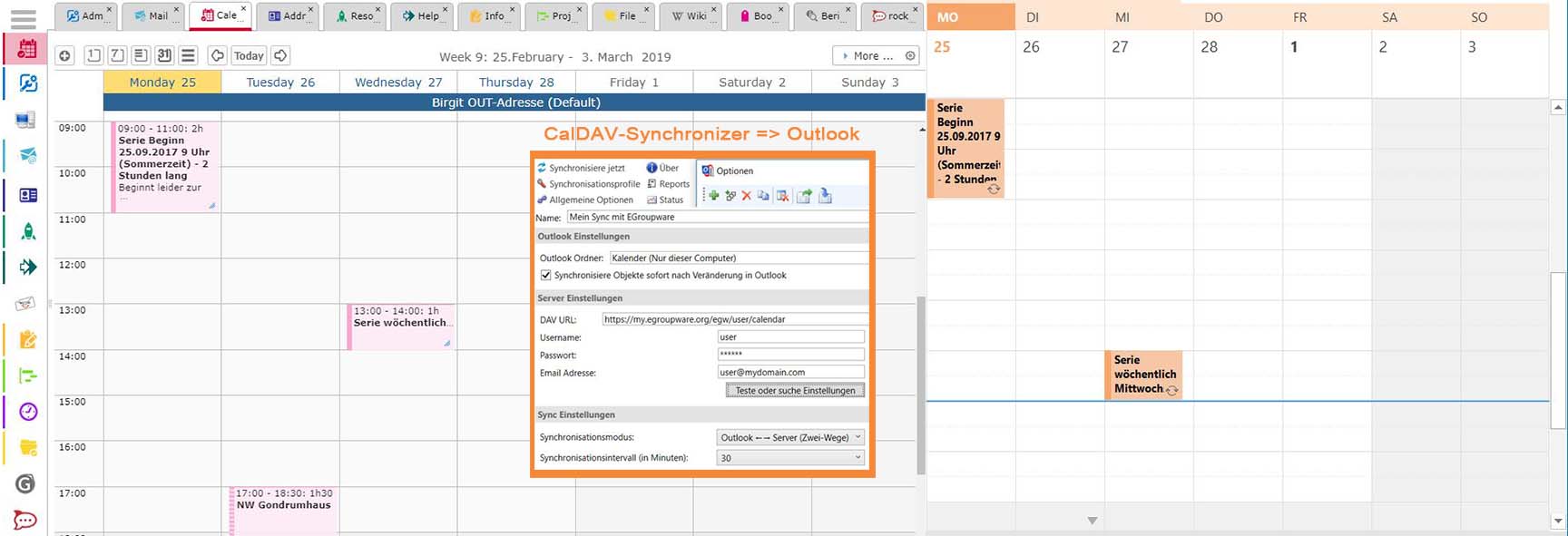
Having established contact in December 2018, EGroupware GmbH started cooperation with Alexander Nimmervoll of Generalize-IT Solutions OG at CalConnect. Soon there will be a purchase version of CalDAV Synchronizer for Outlook “supported” for EGroupware. With the CalDAV Synchronizer you can synchronize address book and calendar data between EGroupware and common Outlook versions.
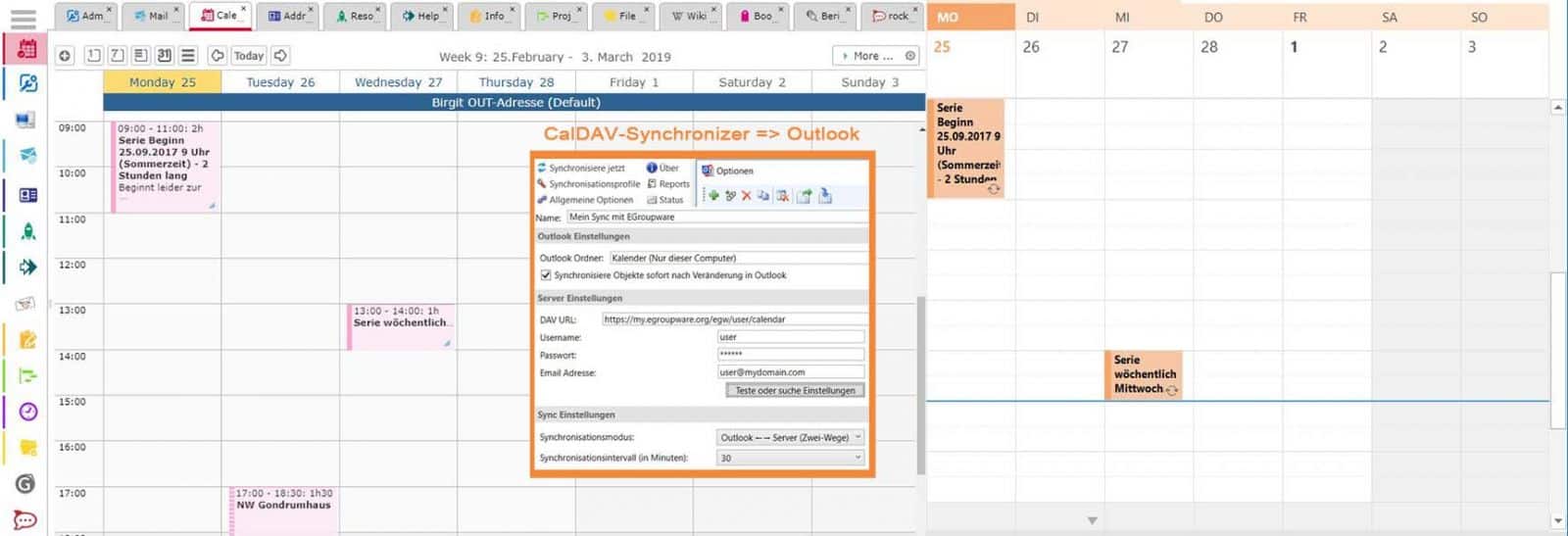
Contrary to the freely available version, the purchase version ensures that EGrouware is tested regularly and that reported errors are corrected. If you are interested, please contact us directly. More detailed information will soon be available on our website.
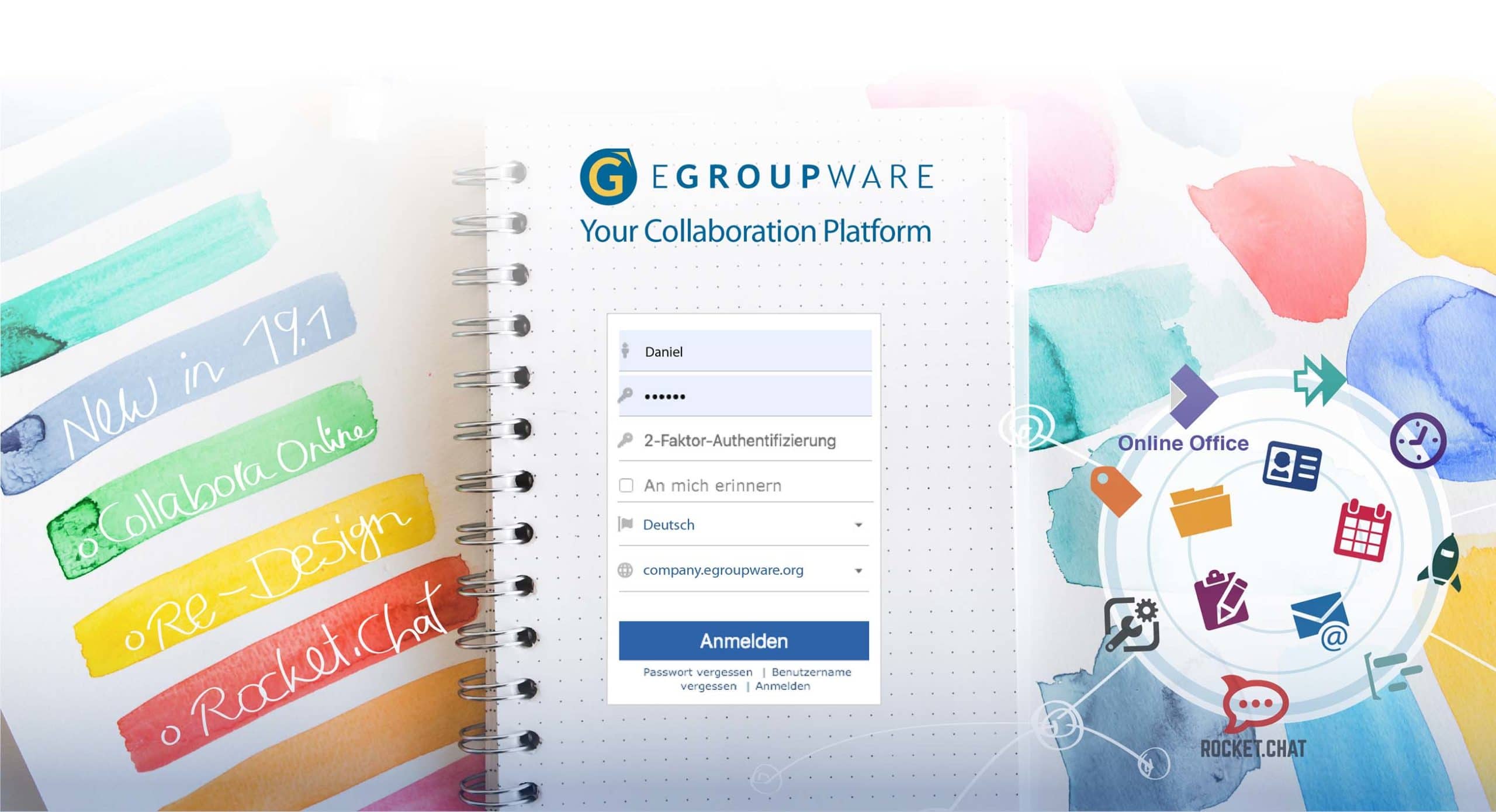
EGroupware 19.1
The new EGroupware 19.1 will be released shortly. The most important new features are:

- Optimization for GDPR Address book policies and admin history support the implementation of the basic data protection regulation.
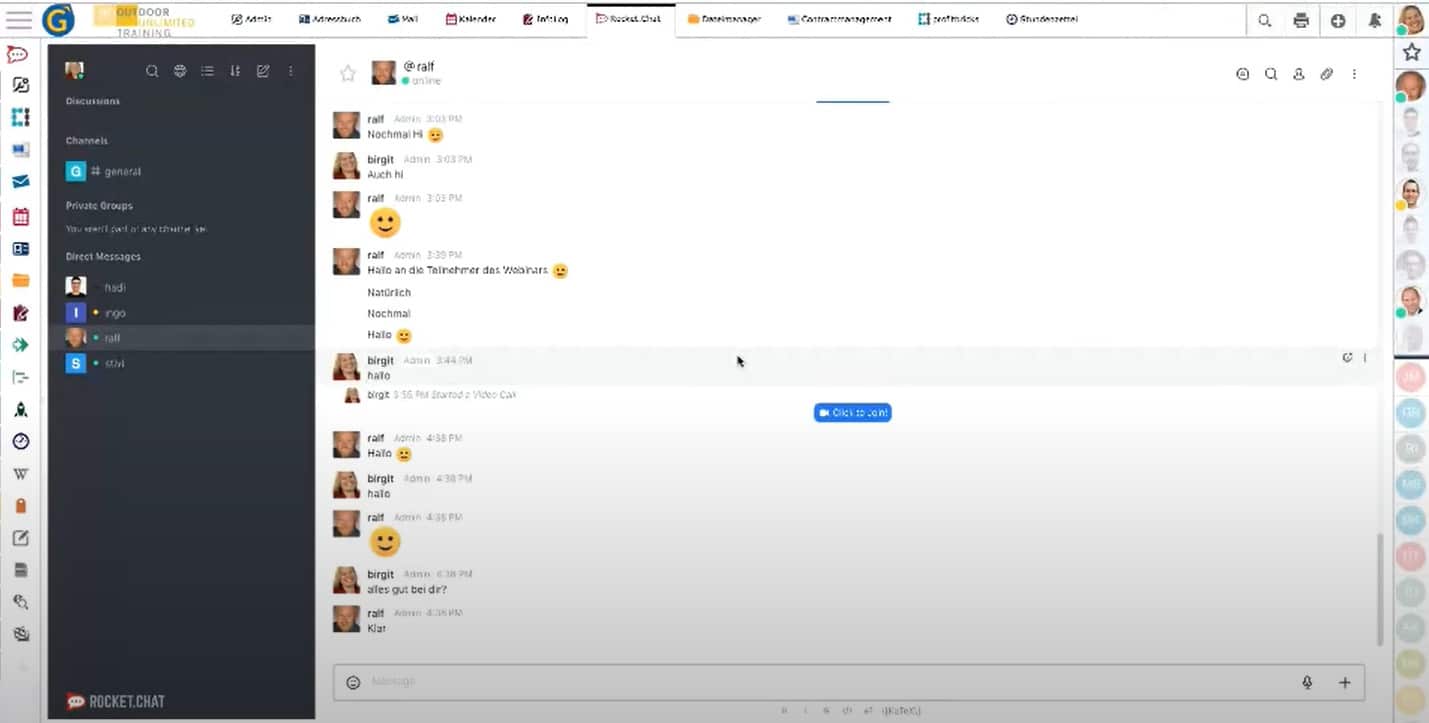
- Communicate via Rocket.Chat: Integration of Rocket.Chat including screen transmission and video chat. Rocket.Chat is an open source team chat platform that allows you to communicate securely and easily in real time with other people within ECroupware. Rocket.chat is the leading open source alternative to proprietary chat tools like Slack, Microsoft Team, Hipchat or Stride and extremely user-friendly.
- Improved user interface: Modern theme with colored icons and increased use of avatars (users can assign a photo or graphic to their profile).
- Optimized collaboration with Collabora Online, e.g. new option to send a sharing link to externals for editing documents. This link opens directly in Collabora Online. It is also now possible to insert images directly from the EGroupware file manager.
- Improvement of various EGroupware functionalities, for example the possibility to edit comments in the ticket system afterwards, color design in the ticket system according to subject area, category or version.
Collabora Online 4.0 – Release Details
New look – with improved toolbar colors and layout:
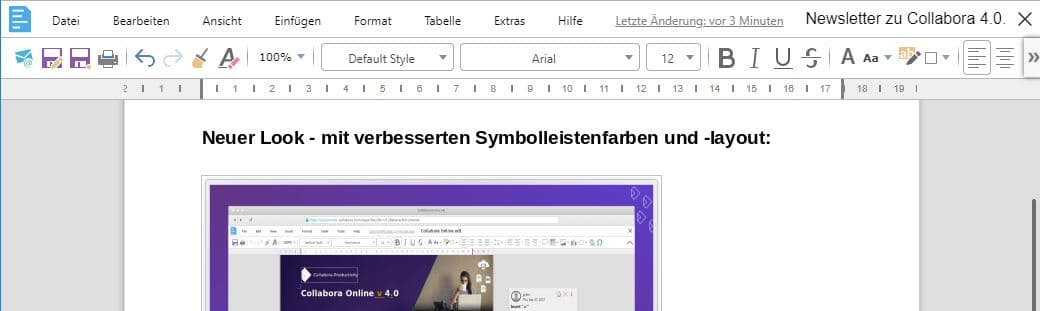
The toolbars have been updated with a lighter color scheme and the colored Colibre icon theme (thanks to Andreas Kainz), which significantly improves the look of 4.0.
The colored icons fit very well to the new EGroupware theme, which will be available with EGroupware 19.1 as “Modern Theme”.
You can also use EGroupware 19.1 to share documents (sharing link), send them directly via e-mail or insert images from the EGroupware file manager.
The new version ist now available in the EGroupware Hosting.
New dialogs and functions:
- Inserting comments, diagrams, shapes by icon in the toolbar
- Improved shape editing including starting points for rotating or enlarging shapes and graphics
- Table of contents and paragraph templates for text documents
- Marking and protecting areas (text documents)
- Edit headers and footers in presentations and spreadsheets
- Edit page formatting for text and spreadsheet documents
- Editing the formatting of enumerations and numbering (presentations)
- Improved compatibility with OpenXML (DOCX, XLSX, PPTX) due to integration of LibreOffice 6.0 core functionalities
Improvements in use with mobile devices:
- faster document loading times
- Introduction of a simple, reduced display mode to facilitate the clear presentation of documents
- Toolbars and menus for easier operation (hide, scroll functions)
- Retina / HiDPI Display Enhancement: Use the browser’s native higher DPI to render with the actual resolution of the display and get crisp pixel rendering, for example at 200% zoom.
- Enhance multi-touch behaviors such as zooming and panning to take advantage of the full functionality of desktop dialogs larger than a mobile screen.