

Deprecated: Creation of dynamic property GW_GoPricing_Shortcodes::$globals is deprecated in /var/www/html/wp-content/plugins/go_pricing/includes/shortcodes/class_shortcodes.php on line 40 Webinars Archives - EGroupware
Placetel Configuration Workshop – Tipps and Ticks

Placetel Configuration Workshop – Tipps and Ticks

Webinar: Placetel Configuration

You are currently viewing a placeholder content from YouTube. To access the actual content, click the button below. Please note that doing so will share data with third-party providers.

More Information

Placetel Configuration & Setup in EGroupware

Webinar recording of the 18th of Mai 2021.

In this webinar, you will learn set up Placetel.

  • Configuration of Placetel
  • Provisioning of Phones
  • Setting up softphones
  • Setting up Telephone queues
  • Call-Routing
  • Authorisation, voicemail
  • Tipps and tricks
  • Call CRM view on incoming call
  • Qustions to the Daniel Selbach from Placetel
  • Questions to the experts from EGroupware
  • CTI integration is available in EGroupware as of version 21.1

More Information about CTI-Integration.

Download the webinar slides Telefonie Integration (CTI) in EGroupware.

If you need any help with this tools, contact us.
[dt_default_button link=”url:https%3A%2F%2Fwww.egroupware.org%2Fen%2Ftutorials|title:Webinars%20%E2%80%93%20Tutorials” size=”custom” border_radius=”3px”]More Webinars[/dt_default_button]
Placetel Integration in EGroupware

Placetel Integration in EGroupware

Webinar: Placetel Integration in EGroupware

You are currently viewing a placeholder content from YouTube. To access the actual content, click the button below. Please note that doing so will share data with third-party providers.

More Information

Placetel Integration in EGroupware

Webinar recording of the 6th of Mai 2021.

In this webinar, you will learn set up the Placetel integration.

  • Configuration and settings in EGroupware and Placetel
  • Provisioning of Phones
  • How to set up incoming calls
  • Setting up softphones
  • Call CRM view on incoming call
  • Exporting users and contacts from EGroupware to Placetel
  • Questions to the experts from EGroupware
  • CTI integration is available in EGroupware as of version 21.1

More Information about CTI-Integration.

If you need any help with this tools, contact us.
[dt_default_button link=”url:https%3A%2F%2Fwww.egroupware.org%2Fen%2Ftutorials|title:Webinars%20%E2%80%93%20Tutorials” size=”custom” border_radius=”3px”]More Webinars[/dt_default_button]
Telephone Integration in EGroupware (CTI Integration) using the Example of Placetel

Telephone Integration in EGroupware (CTI Integration) using the Example of Placetel

Webinar: Telephone Integration in EGroupware (CTI Integration) using the Example of Placetel

You are currently viewing a placeholder content from YouTube. To access the actual content, click the button below. Please note that doing so will share data with third-party providers.

More Information

Telephone Integration in EGroupware (CTI Integration) using the Example of Placetel

Webinar recording of the 15th of April 2021.

In this webinar, you will learn how you can use telefon-integration (CTI).

  • Configuration and settings in EGroupware and Placetel
  • Initiate call with one click and answer on “normal” telephone
  • Display incoming, outgoing and missed calls in the calendar
  • Call list with filter options and listening to answering machine
  • Call CRM view on incoming call
  • Display status application – see who is currently on the phone or calling
  • Use and configuration of Placetel (Daniel Selbach)
  • Questions to the experts from EGroupware and Placetel
  • CTI integration is available in EGroupware as of version 21.1

More Information about CTI-Integration.

With one click, you create a call to a colleague or client, while their usual “desk phone” rings and they simply pick up. Of course, you can also use a softphone or the Placetel app on your mobile phone, but that is simply an additional option. By default, you continue to work with the normal telephone.

If you need any help with this tools, contact us.
[dt_default_button link=”url:https%3A%2F%2Fwww.egroupware.org%2Fen%2Ftutorials|title:Webinars%20%E2%80%93%20Tutorials” size=”custom” border_radius=”3px”]More Webinars[/dt_default_button]
smallPART Webinar with exams

smallPART Webinar with exams

smallPART Webinar with exams

You are currently viewing a placeholder content from YouTube. To access the actual content, click the button below. Please note that doing so will share data with third-party providers.

More Information

smallPART Webinar with exams

Webinar recording of the 30th of March 2021.

In this webinar, you will learn how you can use smallPART for your lessons.

  • What is smallPART – a system overview
  • Functional overview – learners & teachers
  • How you can create exams and many practical tips.
  • Application scenarios e.g. in school lessons
  • Application and media perspective
  • Potentials of smallPART – flexible media fusion
  • Application examples theory and practice (live demo)
  • Area of application in safety training and instruction
  • Integration into other learning platforms via LTI in Moodle or OLAP
  • smallPART is part of the new EGroupware 21.1

Please note that single- or multiple-choice tasks, as well as the integration of videos via URL, will only be available with version 21.1!

If you need any help with this tools, contact us.
[dt_default_button link=”url:https%3A%2F%2Fwww.egroupware.org%2Fen%2Ftutorials|title:Webinars%20%E2%80%93%20Tutorials” size=”custom” border_radius=”3px”]More Webinars[/dt_default_button]
Kanban Web-Training

Kanban Web-Training

Kanban Web-Training

You are currently viewing a placeholder content from YouTube. To access the actual content, click the button below. Please note that doing so will share data with third-party providers.

More Information

Kanban: Workflows with Kanban

Webinar recording of the 25th of March 2021.

  • What is Kanban and what are the advantages?
  • How can Kanban be used within EGroupware?
  • How do I and my team benefit from Kanban?
  • Can I use it to organise my work more effectively?
  • How does it give me a better overview of my important tasks?
  • Practical examples show you how you can define a board yourself and adapt it to your work processes.
  • Webinar slides can you download here.

If you need any help with this tools, contact us.
[dt_default_button link=”url:https%3A%2F%2Fwww.egroupware.org%2Fen%2Ftutorials|title:Webinars%20%E2%80%93%20Tutorials” size=”custom” border_radius=”3px”]More Webinars[/dt_default_button]
smallPART Web-Training

smallPART Web-Training

smallPART Web-Training

You are currently viewing a placeholder content from YouTube. To access the actual content, click the button below. Please note that doing so will share data with third-party providers.

More Information

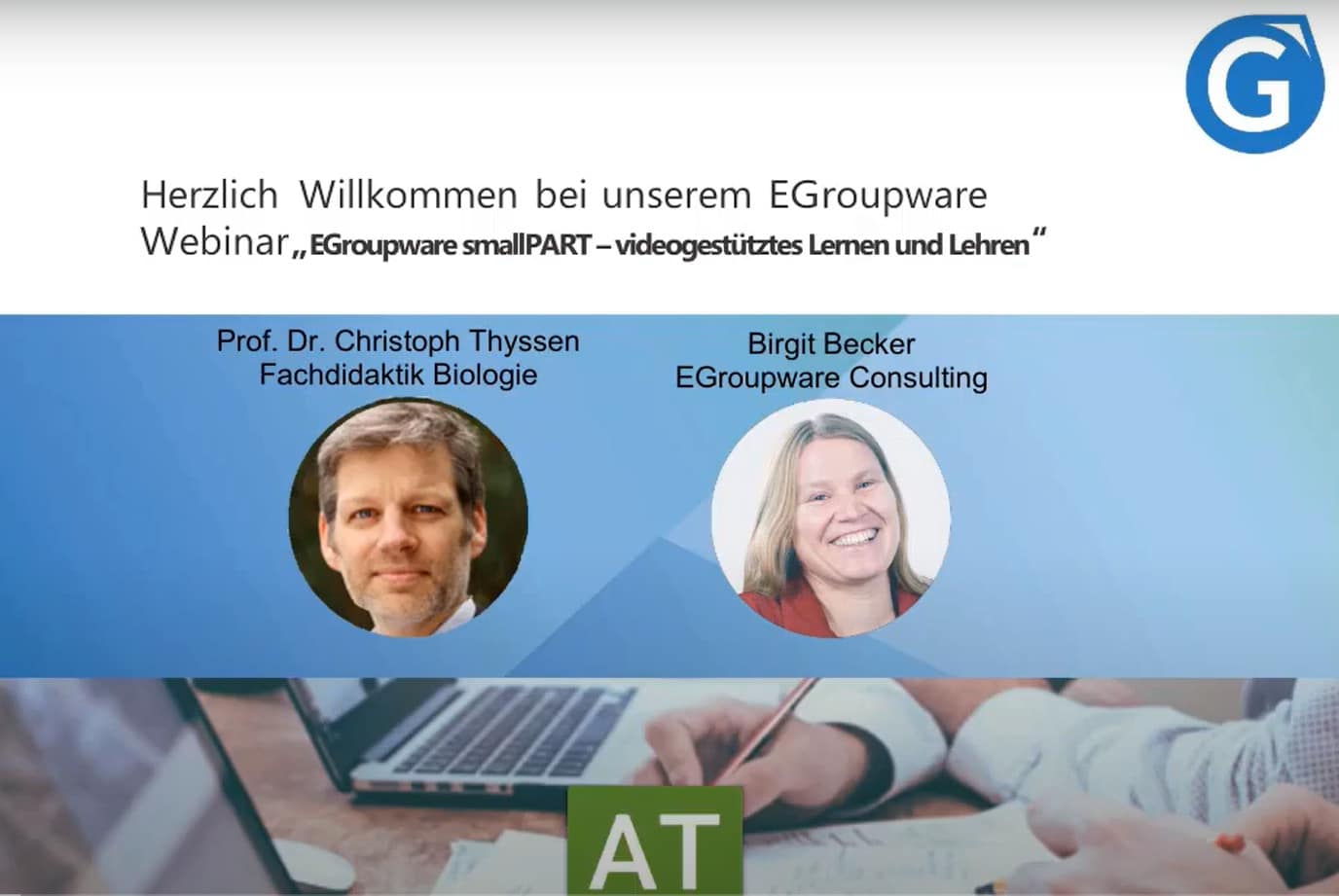
smallPART: Video-based learning and teaching

Video-based learning and teachingwork with Guacamole and Home Office Tools.

  • What is behind smallPART? Learning takes place with / in the video and not only in the form of a text analysis of the video
  • Simple operation for teachers and students: create course, insert video and add task
  • smallPART courses: Add participants to courses or assign a password for self-registration, watch video and tasks in the course and comment with colour code (red, green, white) in the running video
  • Application scenario 1 – interactive lecture video: Background and practical implementation
  • Application scenario 2 – Analysis of processes e.g. work in the laboratory, equipment operation or driving school situation:
    Automation and process analysis with easy learning & feedback

The Webinar is only in German language available. If you need any help with this tools, contact us.

[dt_default_button link=”url:https%3A%2F%2Fwww.egroupware.org%2Fen%2Ftutorials|title:Webinars%20%E2%80%93%20Tutorials” size=”custom” border_radius=”3px”]More Webinars[/dt_default_button]
This site is registered on wpml.org as a development site. Switch to a production site key to remove this banner.