Deprecated: Creation of dynamic property GW_GoPricing_Shortcodes::$globals is deprecated in /var/www/html/wp-content/plugins/go_pricing/includes/shortcodes/class_shortcodes.php on line 40 Webinars Archives - Page 2 of 5 - EGroupware
Integración telefónica en EGroupware (integración CTI) con el ejemplo de Placetel

Integración telefónica en EGroupware (integración CTI) con el ejemplo de Placetel

Webinar: Integración telefónica en EGroupware (integración CTI) con el ejemplo de Placetel

You are currently viewing a placeholder content from YouTube. To access the actual content, click the button below. Please note that doing so will share data with third-party providers.

More Information

Integración telefónica en EGroupware (integración CTI) con el ejemplo de Placetel

Grabación del seminario web del 15 de abril de 2021.

En este seminario web, aprenderá cómo puede utilizar la telefonización (CTI).

  • Configuración y ajustes en EGroupware y Placetel
  • Inicie la llamada con un clic y conteste en el teléfono “normal”
  • Visualización de las llamadas entrantes, salientes y perdidas en la agenda
  • Lista de llamadas con opciones de filtro y escucha del contestador automático
  • Vista del CRM de llamadas entrantes
  • Aplicación de estado de la pantalla – ver quién está actualmente en el teléfono o llamando
  • Uso y configuración de Placetel (Daniel Selbach)
  • Preguntas a los expertos de EGroupware y Placetel
  • La integración CTI está disponible en EGroupware a partir de la versión 21.1

Más información sobre CTI-Integration.

Con un solo clic, se crea una llamada a un colega o cliente, mientras que su “teléfono de escritorio” habitual suena y simplemente lo cogen. Por supuesto, también puede utilizar un softphone o la aplicación Placetel en su teléfono móvil, pero eso es simplemente una opción adicional. Por defecto, se sigue trabajando con el teléfono normal.

Si necesita ayuda con estas herramientas, póngase en contacto con nosotros.
[dt_default_button link=”url:https%3A%2F%2Fwww.egroupware.org%2Fes%2Fseminarios-en-linea-tutoriales|title:Seminarios%20en%20l%C3%ADnea%20-%20Tutoriales|” size=”custom” border_radius=”3px”]Más seminarios web[/dt_default_button]
Webinaire smallPART avec examens

Webinaire smallPART avec examens

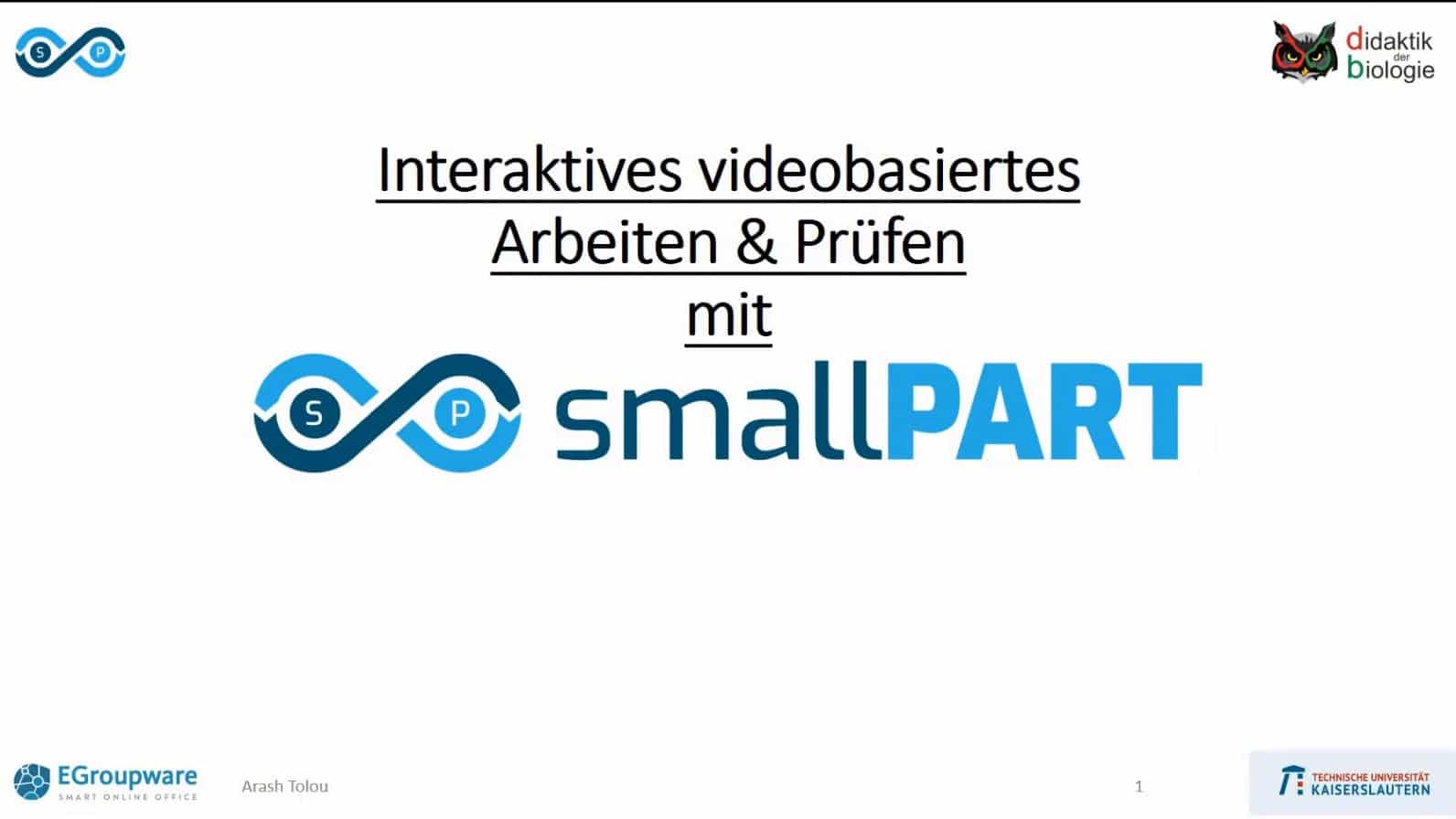
smallPART webinar with exams

You are currently viewing a placeholder content from YouTube. To access the actual content, click the button below. Please note that doing so will share data with third-party providers.

More Information

webinaire smallPART avec examens

Enregistrement du webinaire du 30 mars 2021.

Dans ce webinaire, vous apprendrez comment utiliser smallPART pour vos cours.

  • Qu’est-ce que smallPART – un aperçu du système
  • Aperçu fonctionnel – apprenants et enseignants
  • Comment créer des examens et de nombreux conseils pratiques.
  • Scénarios d’application, par exemple dans le cadre de cours scolaires
  • Application et perspective des médias
  • Potentiels de smallPART – fusion flexible des médias
  • Exemples d’application théorie et pratique (démonstration en direct)
  • Domaine d’application dans la formation et l’instruction en matière de sécurité
  • Intégration dans d’autres plateformes d’apprentissage via LTI dans Moodle ou OLAP
  • smallPART fait partie du nouveau EGroupware 21.1

Veuillez noter que les tâches à choix unique ou multiple, ainsi que l’intégration de vidéos via URL, ne seront disponibles qu’avec la version 21.1 !

Si vous avez besoin d’aide avec ces outils, contactez-nous.

[dt_default_button link=”url:https%3A%2F%2Fwww.egroupware.org%2Ffr%2Ftutoriels|title:Webinars%20-%20Tutoriels|” size=”custom” border_radius=”3px”]Plus de webinaires[/dt_default_button]
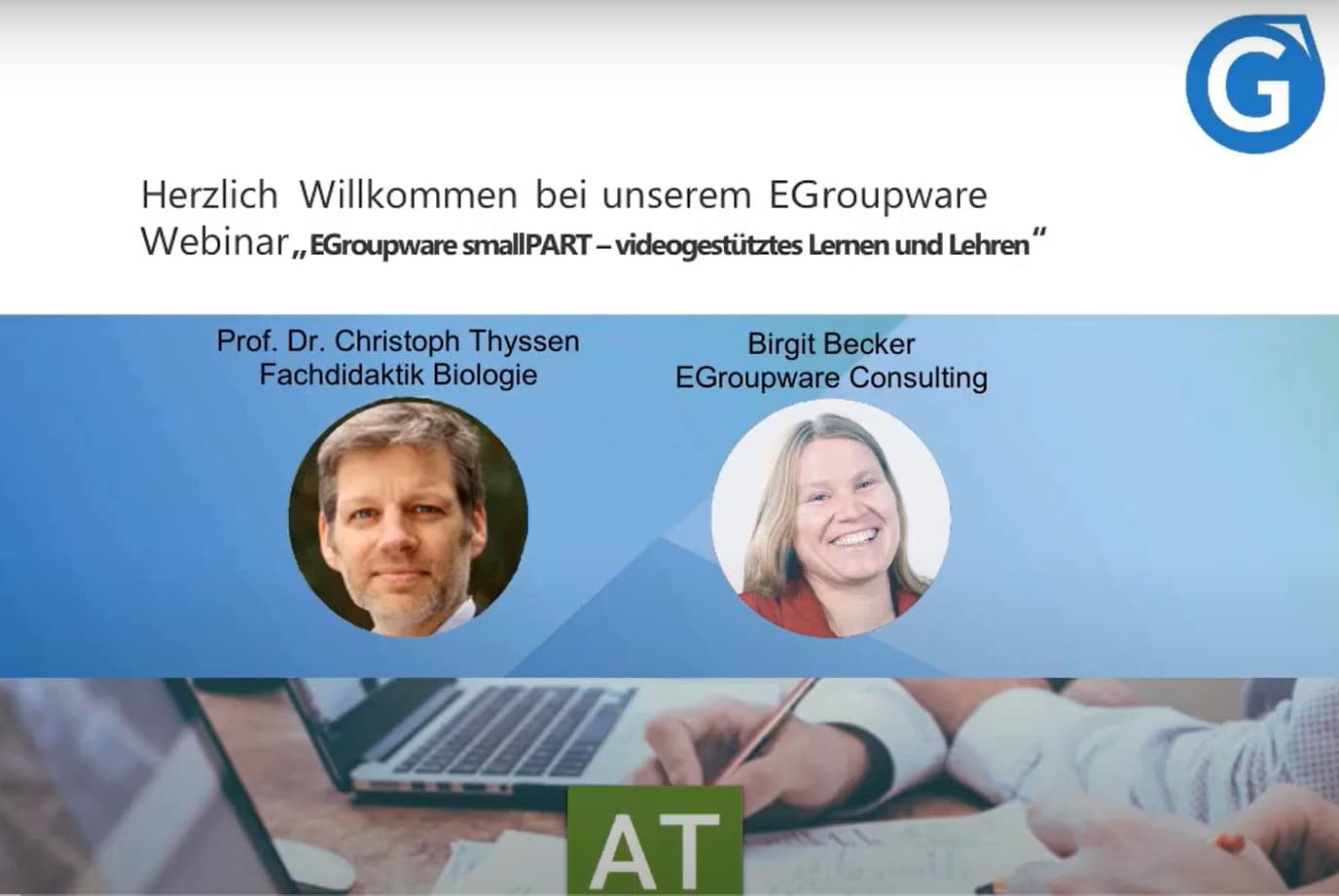
smallPART Webinar with exams

smallPART Webinar with exams

smallPART Webinar with exams

You are currently viewing a placeholder content from YouTube. To access the actual content, click the button below. Please note that doing so will share data with third-party providers.

More Information

smallPART Webinar with exams

Webinar recording of the 30th of March 2021.

In this webinar, you will learn how you can use smallPART for your lessons.

  • What is smallPART – a system overview
  • Functional overview – learners & teachers
  • How you can create exams and many practical tips.
  • Application scenarios e.g. in school lessons
  • Application and media perspective
  • Potentials of smallPART – flexible media fusion
  • Application examples theory and practice (live demo)
  • Area of application in safety training and instruction
  • Integration into other learning platforms via LTI in Moodle or OLAP
  • smallPART is part of the new EGroupware 21.1

Please note that single- or multiple-choice tasks, as well as the integration of videos via URL, will only be available with version 21.1!

If you need any help with this tools, contact us.

[dt_default_button link=”url:https%3A%2F%2Fwww.egroupware.org%2Fen%2Ftutorials|title:Webinars%20%E2%80%93%20Tutorials” size=”custom” border_radius=”3px”]More Webinars[/dt_default_button]
Kanban Web-Training

Kanban Web-Training

Kanban Web-Training

You are currently viewing a placeholder content from YouTube. To access the actual content, click the button below. Please note that doing so will share data with third-party providers.

More Information

Kanban: Workflows with Kanban

Webinar recording of the 25th of March 2021.

  • What is Kanban and what are the advantages?
  • How can Kanban be used within EGroupware?
  • How do I and my team benefit from Kanban?
  • Can I use it to organise my work more effectively?
  • How does it give me a better overview of my important tasks?
  • Practical examples show you how you can define a board yourself and adapt it to your work processes.
  • Webinar slides can you download here.

If you need any help with this tools, contact us.

[dt_default_button link=”url:https%3A%2F%2Fwww.egroupware.org%2Fen%2Ftutorials|title:Webinars%20%E2%80%93%20Tutorials” size=”custom” border_radius=”3px”]More Webinars[/dt_default_button]
Smart Working – Educazione e scuole

Smart Working – Educazione e scuole

Ufficio a domicilio per le scuole

You are currently viewing a placeholder content from YouTube. To access the actual content, click the button below. Please note that doing so will share data with third-party providers.

More Information

Un lavoro più intelligente nell’home office per le scuole e l’educazione

Questo webinar mostra le nuove funzionalità di EGroupware e l’invio e la presentazione di videochiamate e l’integrazione di Guacamole.

Relatore: Birgit Becker – amministratore delegato, supporto e consulenza:

  • Calendario delle riunioni tramite videoconferenza: seleziona la videoconferenza come luogo e invia il link alla conferenza direttamente tramite invito
  • Openid – aprire applicazioni esterne con diritti di accesso in EGroupware: integrare applicazioni esterne in un iframe in EGroupware, ad esempio sito web, altri wiki, portainer (set di strumenti di gestione docker) o archiviazione e-mail
  • Postazione di lavoro a casa tramite Guacamole-Apache: Condividi il desktop aziendale e visualizzalo in EGroupware – Interessante per tutti coloro che non hanno un portatile

Il webinar è disponibile solo in lingua tedesca. Se hai bisogno di aiuto con questi strumenti, contattaci.

[dt_default_button link=”url:https%3A%2F%2Fwww.egroupware.org%2Fen%2Ftutorials|title:Webinars%20%E2%80%93%20Tutorials” size=”custom” border_radius=”3px”]Altri webinar[/dt_default_button]
smallPART Web-Training

smallPART Web-Training

smallPART Web-Training

You are currently viewing a placeholder content from YouTube. To access the actual content, click the button below. Please note that doing so will share data with third-party providers.

More Information

smallPART: Video-based learning and teaching

Video-based learning and teachingwork with Guacamole and Home Office Tools.

  • What is behind smallPART? Learning takes place with / in the video and not only in the form of a text analysis of the video
  • Simple operation for teachers and students: create course, insert video and add task
  • smallPART courses: Add participants to courses or assign a password for self-registration, watch video and tasks in the course and comment with colour code (red, green, white) in the running video
  • Application scenario 1 – interactive lecture video: Background and practical implementation
  • Application scenario 2 – Analysis of processes e.g. work in the laboratory, equipment operation or driving school situation:
    Automation and process analysis with easy learning & feedback

The Webinar is only in German language available. If you need any help with this tools, contact us.

[dt_default_button link=”url:https%3A%2F%2Fwww.egroupware.org%2Fen%2Ftutorials|title:Webinars%20%E2%80%93%20Tutorials” size=”custom” border_radius=”3px”]More Webinars[/dt_default_button]
This site is registered on wpml.org as a development site. Switch to a production site key to remove this banner.