Deprecated: Creation of dynamic property GW_GoPricing_Shortcodes::$globals is deprecated in /var/www/html/wp-content/plugins/go_pricing/includes/shortcodes/class_shortcodes.php on line 40 In the Press Archives - Page 3 of 5 - EGroupware
Integrated video conferencing and remote access to desktop PCs

Integrated video conferencing and remote access to desktop PCs

Video conferences and remote access to desktop PCs integrated

The collaboration solution EGroupware now offers a module for video conferences with the integration of “Jitsi”. The new module “Guacamole” provides a full-fledged home office workplace by accessing the company PC via web browser.
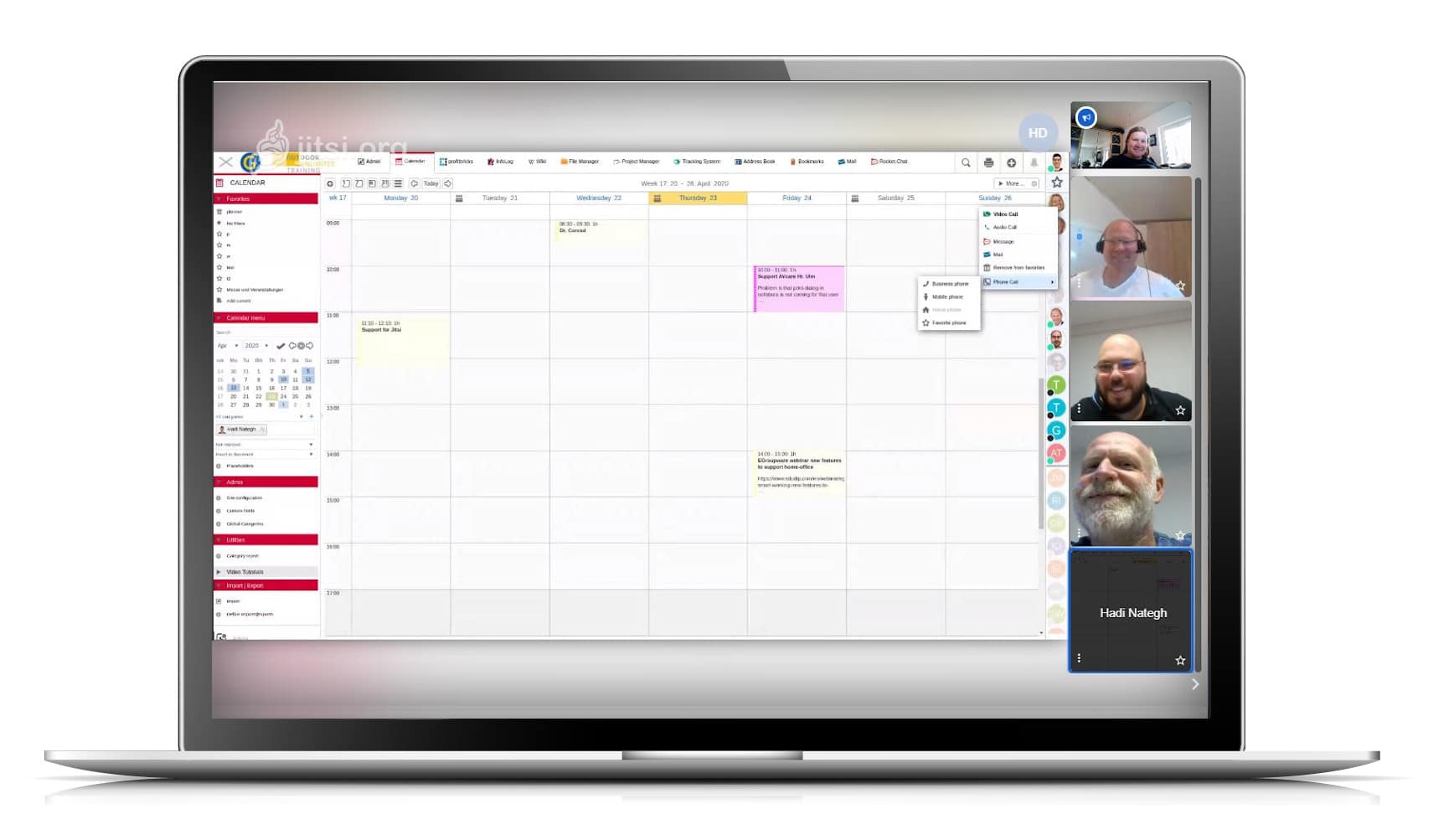

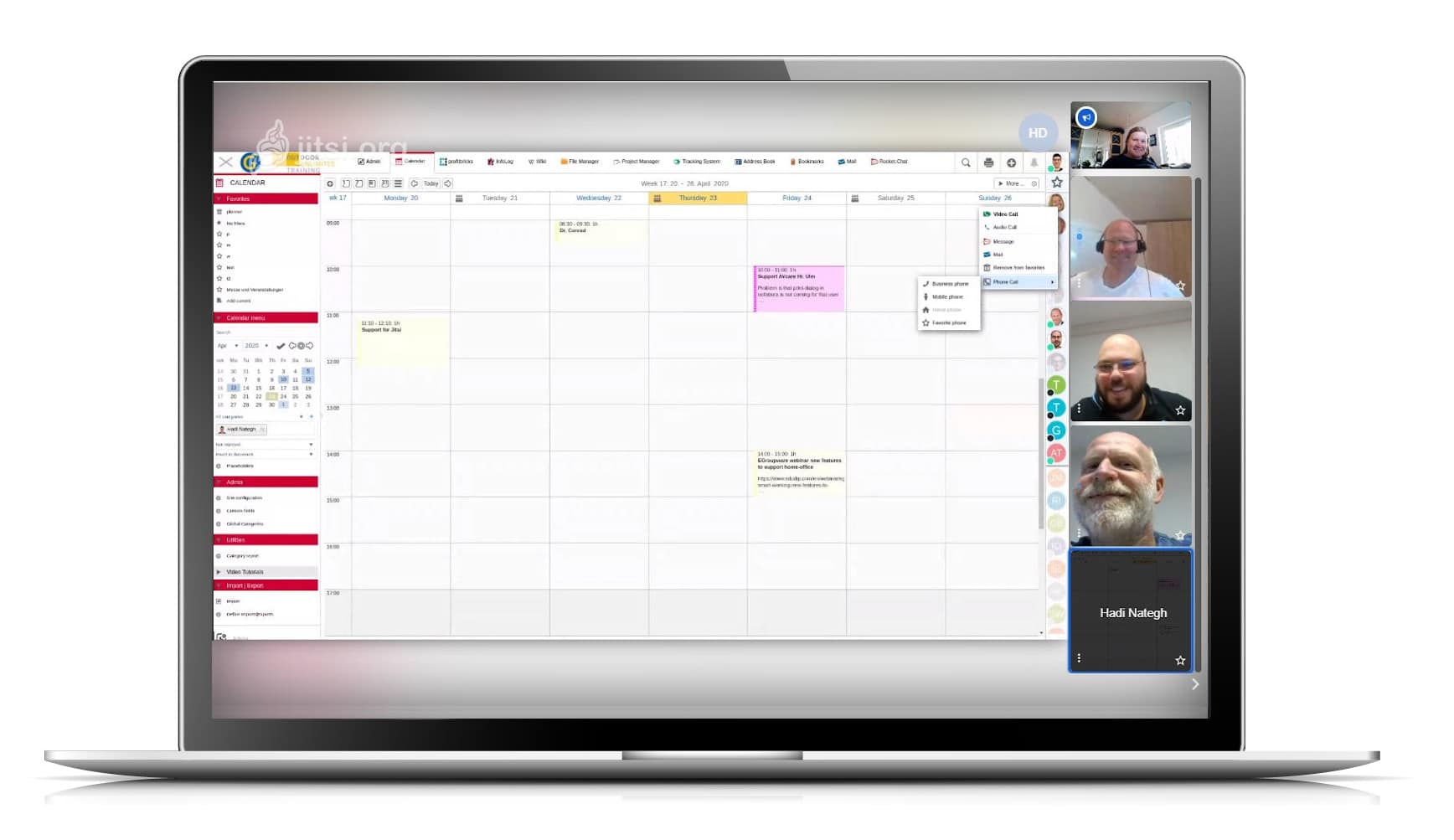
Video conferences with EGroupware 19.1

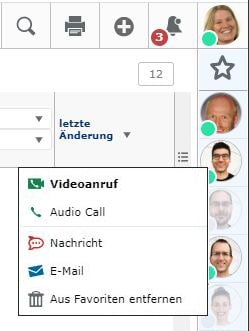
Kaiserslautern, 24.04.2020 – With Jitsi, it is very easy to hold video conferences with colleagues at home or in the home office and with external parties. Via the status bar, EGroupware users can see who is online. With these employees, ad hoc virtual meetings can be arranged. For others and contacts outside the groupware circle who are not online, invitations can be sent out from EGroupware and conference appointments can be arranged.
External participants will receive an e-mail with a link to join the conference. The data connection is encrypted, and as long as the server is located in Germany, there are no data protection concerns. No additional tool is required. Jitsi runs in a web browser.

Parallel to the video conference, other EGroupware modules for chat, document exchange and editing (Collabora Online) etcetera can be used.

The Jitsi extension is part of the maintenance update 19.1.20200409 of EGroupware. For its users – in the community like the
Professional version – the EGroupware GmbH and IONOS Cloud offer a jitsi server in Frankfurt, which will be available free of charge during the Corona crisis until the end of June 2020. If you have already set up Jitsi on your own server, you can simply add it to EGroupware.

Working in the home office is only possible to a limited extent in many places. For one thing, the desktops or notebooks available there do not have the performance of the end devices in the offices. And for another, it is neither possible nor desirable to set up VPN connections for all external systems. Therefore EGroupware GmbH has additionally made the module Guacamole directly from the collaboration software usable.
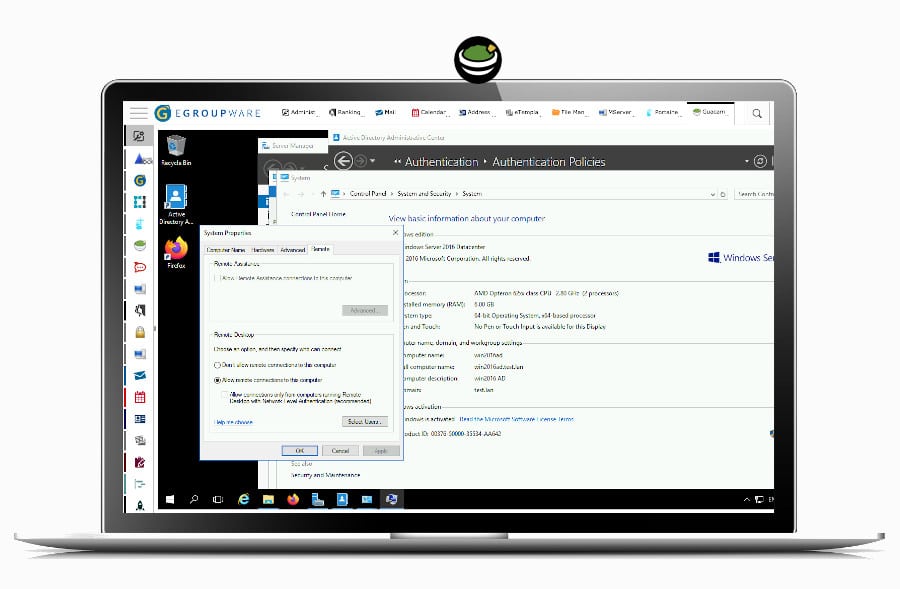
With Guacamole complex applications can be transferred to the browser of weaker PCs and used there. This also eliminates license cost issues for specialized applications on local PCs in the home office. It is therefore more than just screen sharing or remote maintenance as with TeamViewer, but rather full access to desktop PCs as with Citrix Virtual Apps or Parallels RAS. It is up to the administrators to determine which users should have access to which desktops and which security levels, for example two-factor authentication, are required for this.
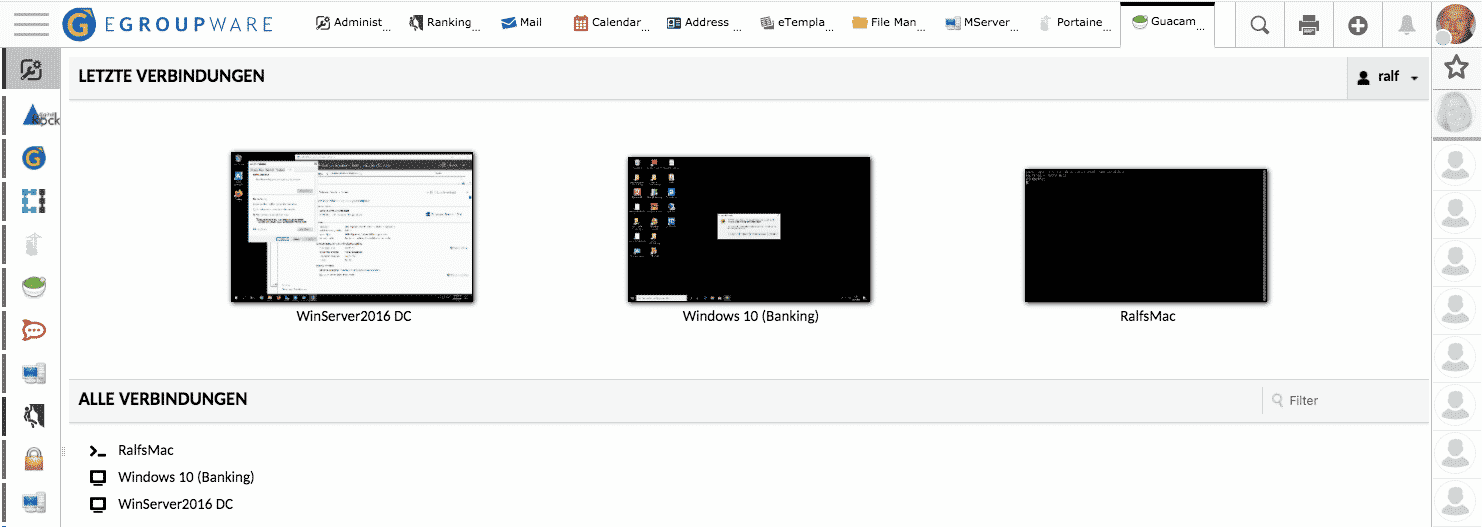
Jitsi and Guacamole are open source like EGroupware. It is therefore possible for users with their own IT environment to adapt the applications to their own requirements and to extend them if necessary. EGroupware GmbH offers assistance with installation and support. The sponsored Jitsi Server is already preconfigured on all EGroupware installations.

If you have questions about EGroupware, you can always contact our team!

With kind regards from Kaiserslautern

EGroupware GmbH
IT  Administrator:  research about EGroupware 19.1

IT Administrator: research about EGroupware 19.1

The magazine for professional system and network technology – IT Administrator of Heinemann Verlag GmbH has published an article about working with EGroupware 19.1. The article describes very well the test of the software in comparison to other alternatives on the market:

There is hardly a company without groupware in which the employees are supposed to work together digitally in a meaningful way. However, many companies shy away from entrusting their confidential data to US providers. EGroupware comes from Germany and wants to be a real alternative to Office 365 & Co. for small and large companies alike.IT administrator has tested the new version 19.1.

The complete article from April 2020 in german language can be found here.

Release EGroupware 19.1

Release EGroupware 19.1

Most Office Work could be done with one Software Solution
EGroupware is released in Version 19.1

The EGroupware GmbH has released the latest version of its collaboration solution. Among the new features are above all a messenger, functions to fulfill the GDPR, improved security through two-factor authentication and a clearer design of the user interface.


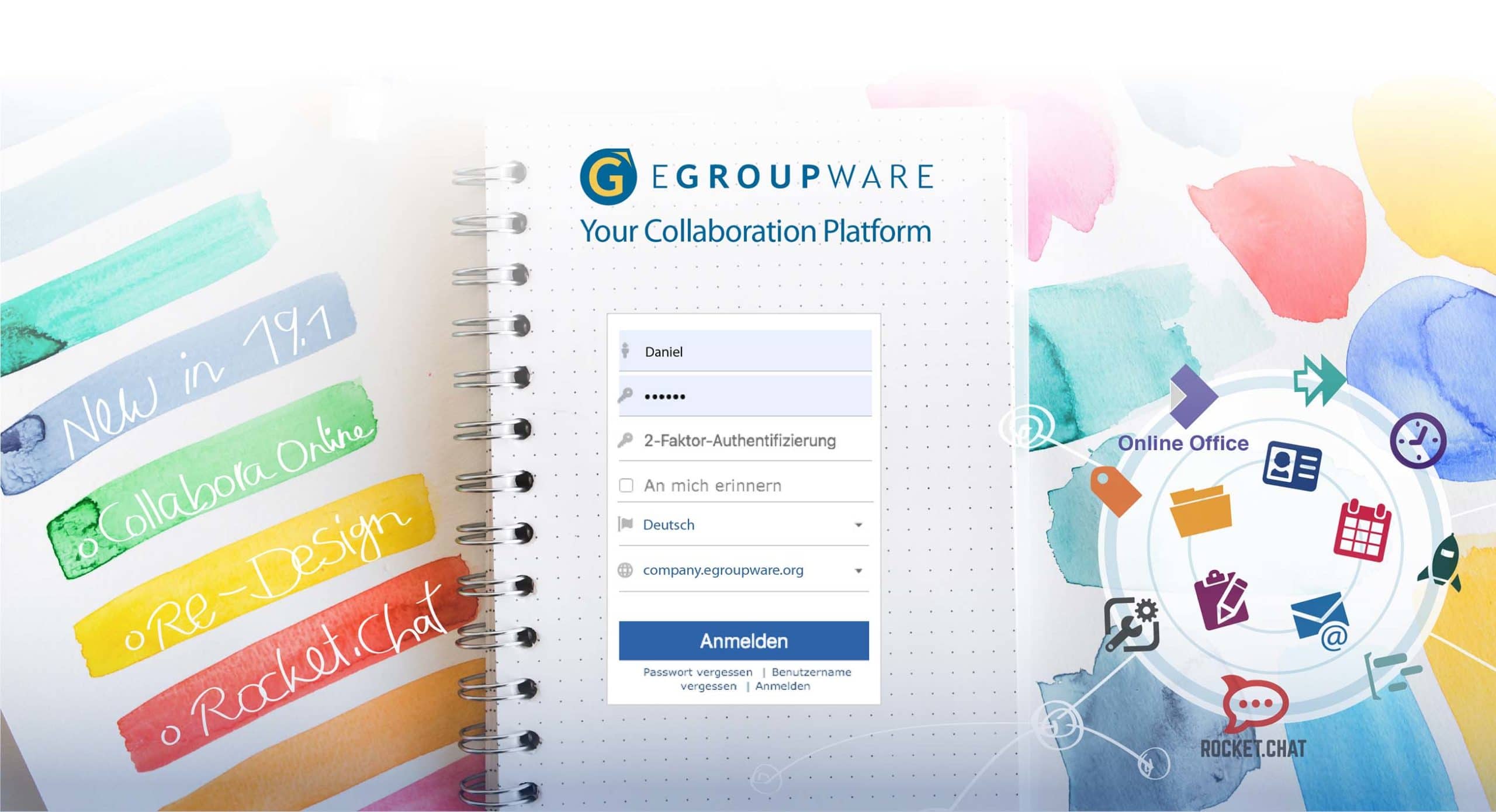
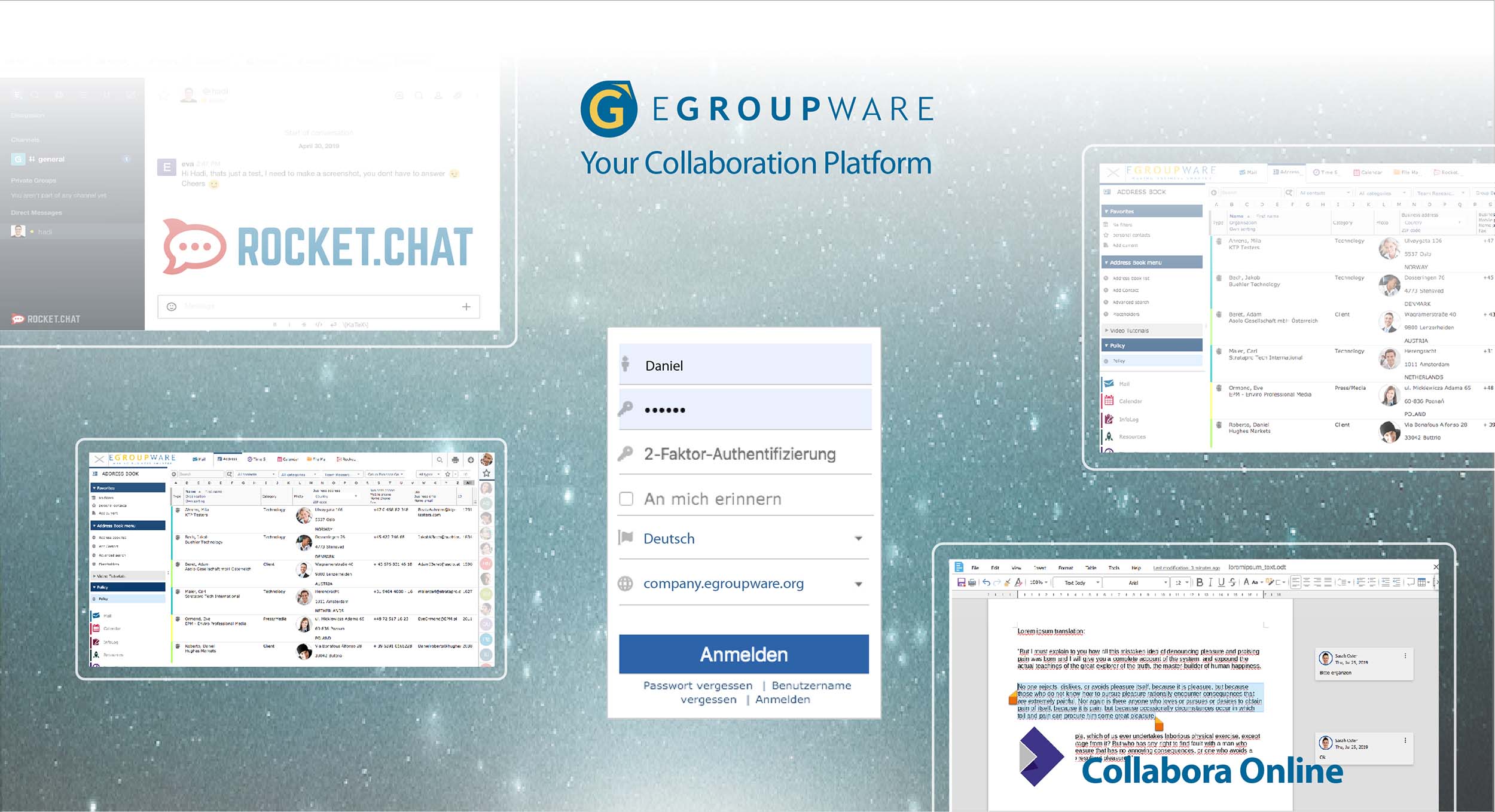
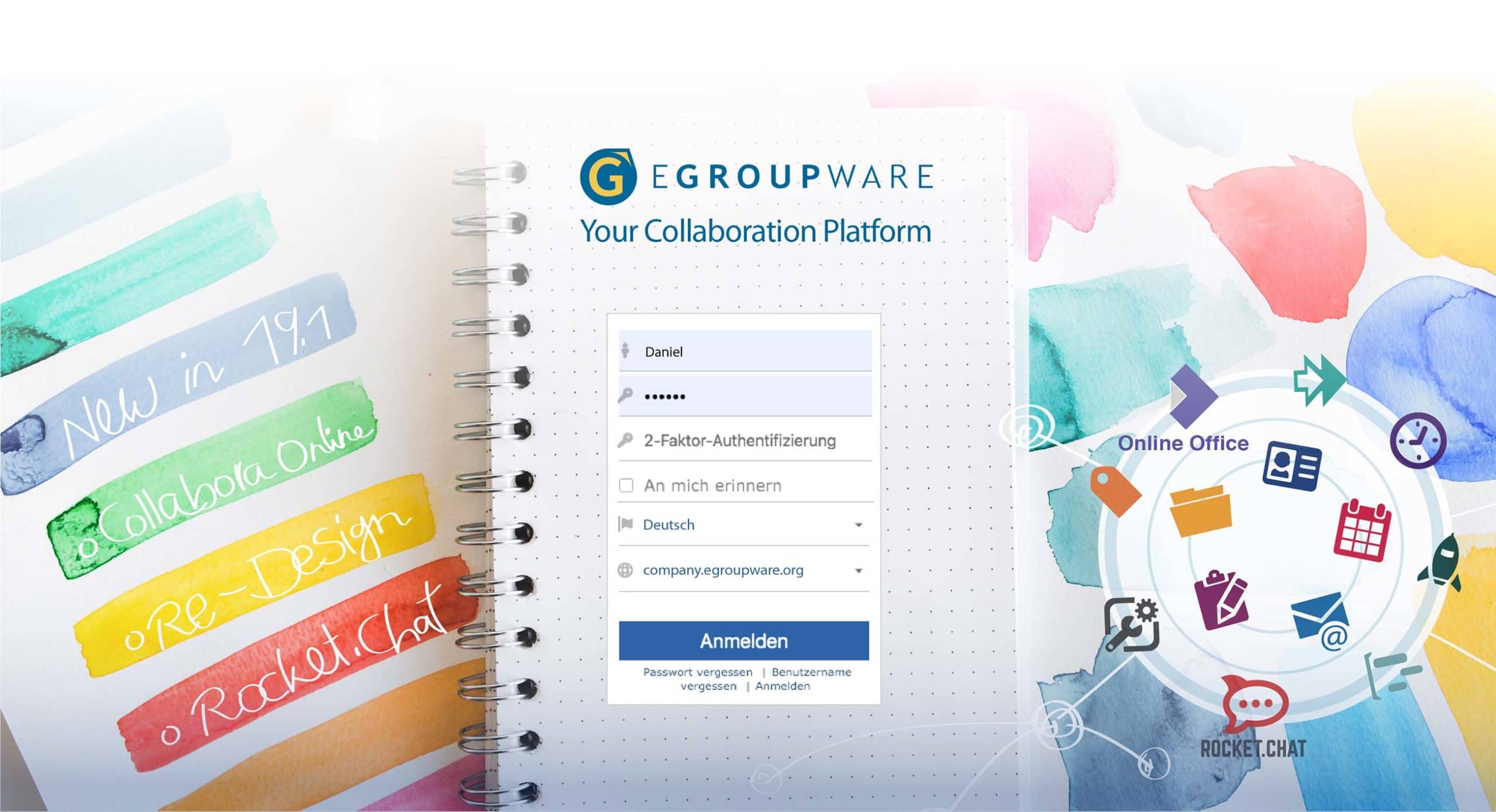
EGroupware 19.1 at a glance and the new login-page of EGroupware 19.1

Kaiserslautern, August 13, 2019 – About one and a half years ago, EGroupware experienced a comprehensive expansion with the integration of the Collabora Office suite. This year’s improvements show that the manufacturer and its developer community are responding quickly to current IT issues and challenges.

In the future, it will be possible to embed fundamental measures for compliance with the Basic Data Protection Regulation (GDPR/DSGVO) in EGroupware. In the new “Policy Application” the handling of address books can be regulated. Authorized persons can define which fields have to be filled out and who is allowed to access them. At the same time, all changes concerning access rights can be tracked in the admin tool. All measures are recorded in the new “Admin Documentation” and can therefore be verified. This GDPR/DSGVO tool is a paid feature and only available in the “Enterprise Line” (EPL) of EGroupware.

A security measure that is still far too uncommon is now available for EGroupware users: Two-factor authentication (2FA). Users receive a second security key for data traffic, which is only valid for a short time. Administrators can optionally or mandatory enable two-factor authentication within the user group of EGroupware. The EGroupware development schedule includes the option to enforce two-factor authentication via policies for external users only, for EPL customers.

Furthermore, since version 19.1 EGroupware contains the messenger “Rocket.Chat” for all users. Rocket.Chat is, like the collaboration solution itself, open-source and the leading alternative to proprietary chat tools such as Slack or Microsoft Teams etc.. Rocket.chat enables team and video chats, screen transfers and the exchange of files.

For the integration of Rocket.Chat EGroupware was extended by an OpenID Connect / OAuth2 server. This allows applications that can authenticate via Oauth to be connected to EGroupware. This makes it possible to integrate solutions that do not exist in EGroupware, such as company-specific applications, into the collaboration software.

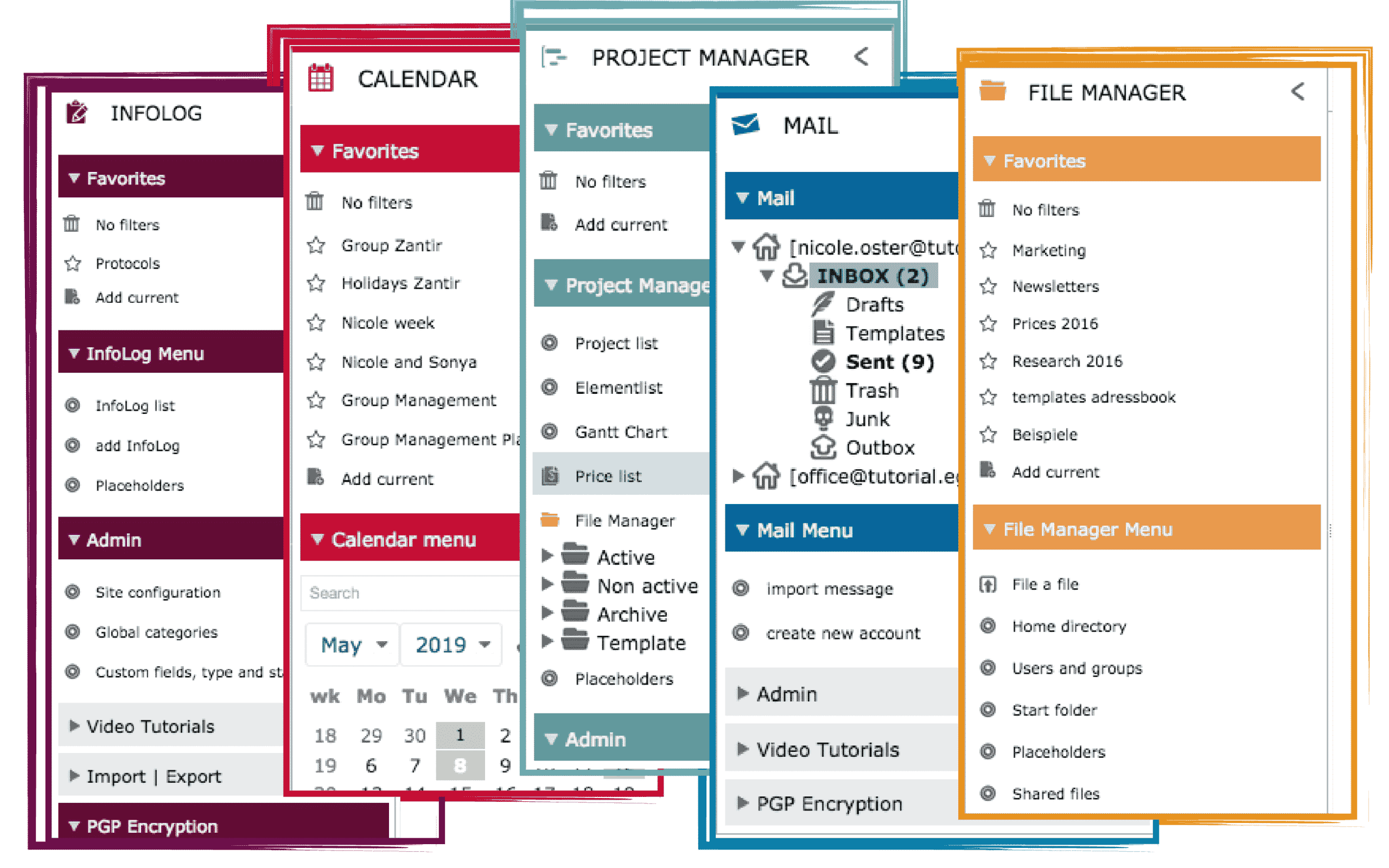
The innovations of EGroupware 19.1 are most clearly visible in a rather small detail. The EGroupware applications now all have their own color. The different colored icons and page menus run through all functions of an app. This facilitates orientation and overview in the groupware, which is rich in applications. If needed, you can still use a monochrome display. By the way: EGroupware users can now add a photo or graphic to their profile.

Also well-known applications in EGroupware now include some innovations:

  •  Documents from Collabora can be opened in the file manager by clicking on the “Collabora Sharing Link” for collaborative editing with a team – also with external partners. Collabora Online makes it possible to send documents by e-mail without any detour through the mail application. Images can be inserted directly into Collabora from the file manager of EGroupware.
  • In the ticket system comments can be edited and attachments can be added. The chronological order of comments and attachments is maintained.
  • A glance at the “Status App” on the right-hand side of the window shows which colleague is present at all times. One click is enough to chat with him or write e-mails – without an external chat program.
  • From version 19.1, the mail app allows you to edit the subject of existing mails. This provides a better overview if mail partners use unclear or misleading subject lines. This also applies to mails with scanned documents or electronically received faxes.
  • The new editor “TinyMCE” fully supports “Content Security Policy” and thus increases the security of the EGroupware environment.
  • With the Outlook CalDAV Synchronizer, data from the address book and the calendar can be synchronized alternately between EGroupware and common Outlook versions.

With version 19.1 EGroupware consistently pursues a high standard.
“The integration of Collabora Online Office in version 17.1 brought EGroupware much closer to the vision of offering everything that the normal office user needs on one collaboration platform. With the messenger Rocket.Chat and the possibility to integrate further applications via OAuth, we have taken the next step”, explains Ralf Becker. The managing director of EGroupware points out the perspectives:
“The technical conversion to Docker as a platform simplifies the installation and will allow us in the future for example to inform users in real time about changes”.

In case you want to have a look at our german webinar about EGroupware 19.1, you’ll find it here:  >> 19.1 Webinar

If you have any kind of questions concerning EGroupware 19.1, please feel free to contact us.

Best regards

Eva Wertheimer
EGroupware GmbH

Cloud Computing Insider: Working with EGroupware and Collabora

Cloud Computing Insider: Working with EGroupware and Collabora

The Cloud Computing Insider Portal of Vogel IT-Medien GmbH has published an article about working with EGroupware and Collabora. The article describes very well the integration and distribution for processing documents with Collabora. The functions of the CRM systems are also described.

As of version 17.1, the EGroupware business software is also available with an integrated CRM system, including file server and the online office system Collabora. The solution can be booked via the cloud or operated in the company’s own data center.

The complete article from 15.02.2018 in german language can be found on the website of the website of Cloud Comuting Insider

Linux-Magazin – exciting EGroupware article

Linux-Magazin – exciting EGroupware article

Dear community, dear EGroupware users and partners,
We are pleased to draw your attention to the following article from the new Linux magazine:

Collaborative working with office suites by Erik Bärwaldt

In the current version of Linux-Magazin (2018/02) Mr. Bärwaldt analysis various collaborative software solutions.

This is about modern communication and teamwork, which new technical achievements can make working easier and why do some organisations still work as they did in the 90s?

Several providers of office suites with collaboration features are now competing for customers in order to ensure that all the wheels are interlocked when exchanging office documents within the company. Cloud or on-premise solutions are designed to make teamwork easier, so Mr. Bärwaldt

Read for yourself what the editors write about EGroupware :

https://www.linux-magazin.de/ausgaben/2018/02/bitparade-2/

EGroupware 17.1 is now released

EGroupware 17.1 is now released

Dear community, dear EGroupware developers and users,
We are pleased that EGroupware 17.1 is now available. Here you will find all the necessary information to upgrade to the new EGroupware version.​

With version 17.1, EGroupware has been extended from the classic groupware with an integrated CRM system to include a file server with Collabora Online Office. The browser-based EGroupware no longer needs to install an Office suite on the client. Users can share documents or folders with external partners and edit them directly with the integrated Collabora Online Office. All parties involved can edit text documents, spreadsheets or presentations together.

Off special interest is the possibility to use stored information from the groupware or CRM system in Office documents. You can create a template with placeholders and save it in the integrated filemanager of EGroupware. Further information from EGroupware can then be merged into this template. In this way, users can, for example, check reports from timesheets online and release them for invoices. Contact data from the address book can be used to send a quotation as an attachment.

Since version 17.1, EGroupware offers not only PGP but also S/Mime for end-to-end encryption of e-mails and task management. The keys are stored in the collaboration solution. The public key is located in the address book, allowing it to be used for all contacts; the private key is stored in the user’s mail profile, encrypted with the user’s login password.

As announced, version 17.1 allows EGroupware to be adapted even further than before – for example, a login page that matches the company’s needs. The notifications are presented in a clearer way, so that important messages can be recognized more quickly. Users will find easier dialogs for selecting files or images in emails or when saving. In the address book, duplicates can be identified and merged via context menu. All contact data and the links (e. g. appointments, infolog entries, etc.) get automatically merged. The CRM function makes it possible to send personalized serial mails and to save them as infolog for documentation. CalDAV Sync removes tasks when the user has been freed from them.

Some new features mainly affect administrators: In the project manager, notifications can be activated according to the roles of the users. For security reasons, the configuration allows you to set up protection against deletion for projects or restore deleted projects. Administrators get an overview page of the configured groups. And they have the ability to export all access rights as CSV with filters for users, groups and applications.

Further information for version 17.1 and our migration offer can be found here.

Important information for all customers in the EGroupware Cloud
The administrators of your EGroupware will receive a short e-mail within the next few days regarding the date of the upgrade to the new version.
We will carry out the technical update for you.

Important information for all customers with on-premises installations:
Please note the changed minimum requirements of PHP 5.6+. We recommend PHP 7.
This means you need Debian 8/9, Ubuntu 16.04, RHEL/Centos 6/7 or a corresponding current distribution of openSUSE or SLES with PHP 7.

The repo of the Community Edition has already been automatically converted to EGroupware 17.1. From now on there are no new package updates for 16.1 CE.
For customers of the full version of EPL, the conversion of the standard repos will not take place until the end of January 2018, and we will continue to provide package updates for EGroupware EPL 16.1.

If you want to switch to the new EGroupware version 17.1 first, you have to change the repo manually.  EGroupware packages for the 17.1 in the Univention Appcenter will be available soon. As an additional service for EPL customers, we offer a new VMware image with EGroupware 17.1, Collabora Office for our own server and Nginx as web server. Our EPL customers will shortly be informed separately by e-mail of the exact details of the repo changeover.

As an alternative to a version 17.1 on its own server, EGroupware 17.1 is also available in the EGroupware data center. We will be happy to help you with any questions you may have regarding the migration to 17.1 or the migration to the EGroupware Cloud.

With kind regards from Kaiserslautern
Your EGroupware Team​

This site is registered on wpml.org as a development site. Switch to a production site key to remove this banner.