Deprecated: Creation of dynamic property GW_GoPricing_Shortcodes::$globals is deprecated in /var/www/html/wp-content/plugins/go_pricing/includes/shortcodes/class_shortcodes.php on line 40 general Archives - Page 2 of 2 - EGroupware
Too nosy: New Outlook enables unwanted data leakage to Microsoft

Too nosy: New Outlook enables unwanted data leakage to Microsoft

Definitely too nosy: New Outlook enables unwanted data leakage to Microsoft

Even Heise.de issued a warning about the new Outlook in November 23. According to the IT portal, the new Outlook app sends access data to IMAP and SMTP servers to Microsoft cloud servers, which then mirror users’ emails.
When asked, Microsoft explained why the new Outlook transfers access data to Microsoft servers, for example, and copies emails there, including those from other providers. The aim is to provide a “consistent user experience for all accounts added to Outlook”. However, this means that the new Outlook operates very differently to previous mail software.

Not secure in the long term
Heise.de comments: “Anyone who doesn’t want their access data and emails to end up at Microsoft will probably have no way of staying in the Microsoft cosmos for mail and groupware software in the long term if the company implements its announced plans unchanged.”

To be clear: Microsoft will have full access to emails, calendars and contacts if it agrees to synchronization.

Our conclusion
We generally advise our customers not to use Outlook when it comes to data security. EGroupware offers a secure alternative with its apps for mail, contacts and calendar. You can edit Office documents with full data control using Collabora Online.

As long as the collection of data by some software providers is not more strictly limited, control over private or business-critical data should always be a relevant criterion when selecting apps or providers.

We are happy to help with questions about data security, data sovereignty and alternative solutions.


https://www.heise.de/news/Neues-Outlook-Microsoft-bezieht-Stellung-zur-Uebertragung-von-Zugangsdaten-9528869.html

https://www.heise.de/hintergrund/Neues-Outlook-Schutz-vor-Microsofts-neugierigem-Mailprogramm-9528591.html

https://www.heise.de/news/Microsoft-krallt-sich-Zugangsdaten-Achtung-vorm-neuen-Outlook-9357691.html

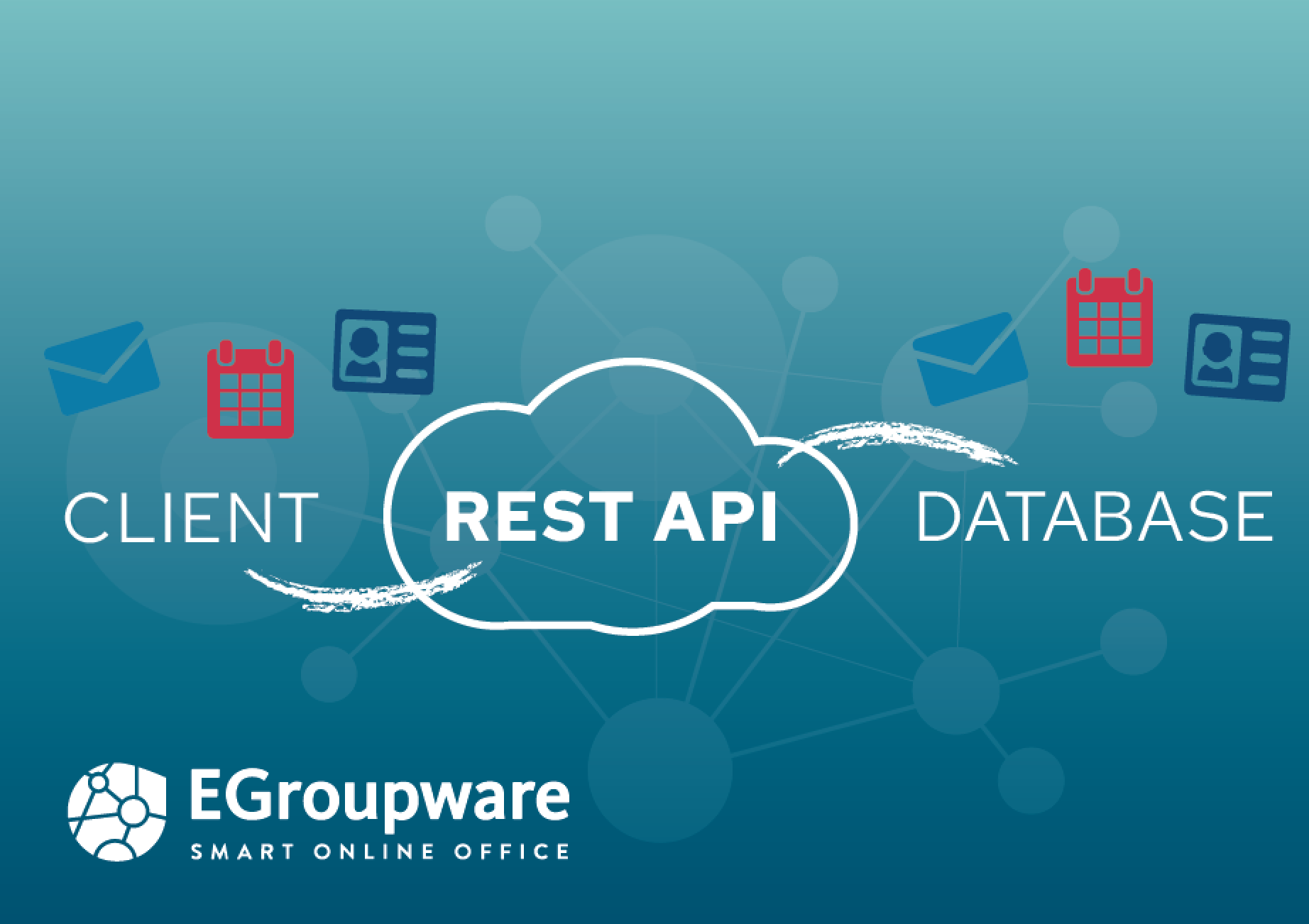
Rest API interface for integration of contacts, mails, calendars and tasks

Rest API interface for integration of contacts, mails, calendars and tasks

Rest API interface for integration of contacts, mails, calendars and tasks

Dear customers and EGroupware users,

For some time now, we have been using the software interface REST-API (Representational State Transfer Application Programming Interface) to enable uniform communication and data exchange between EGroupware and other applications.

The use of the interface offers an easy integration of EGroupware with different systems and thus opens the software for the connection to other solutions used by users. For example, contacts can be retrieved, used and updated from an ERP system in EGroupware.

As of now, it is also possible to send mails with attachments via REST API.
From now on, it is also possible to create application tokens that are only valid for certain users or certain applications, for example, only for the EGroupware mail app or synchronization. This eliminates the need to enter one’s own password into other clients, which makes the usage much more secure.

Another plus point is that by using the Rest API and tokens, you can also display data from or on a web page. Example: A contact form on a page enters the entered data directly into an EGroupware address book via Rest-API.

The EGroupware Rest-API is similar to CalDAV/CardDAV in the area, calendar, addresses and tasks. Also appointments in a certain calendar can be booked in such a way over a web page. Free appointments can be synchronized via CalDAV or Rest-API. For this purpose, a token can be created that is only valid for calendar & synchronization.

More information on GitHub:

EGroupware CalDAV/CardDAV server and REST API

EGroupware Rest-API for Mail

Rest-API for Contact Form in WordPress

EGroupware plus Collabora Online – Video of Cool Days 2023 now online

EGroupware plus Collabora Online – Video of Cool Days 2023 now online

EGroupware plus Collabora Online – Video of Cool Days 2023 now online

EGroupware plus Collabora

Dear customers and EGroupware users,

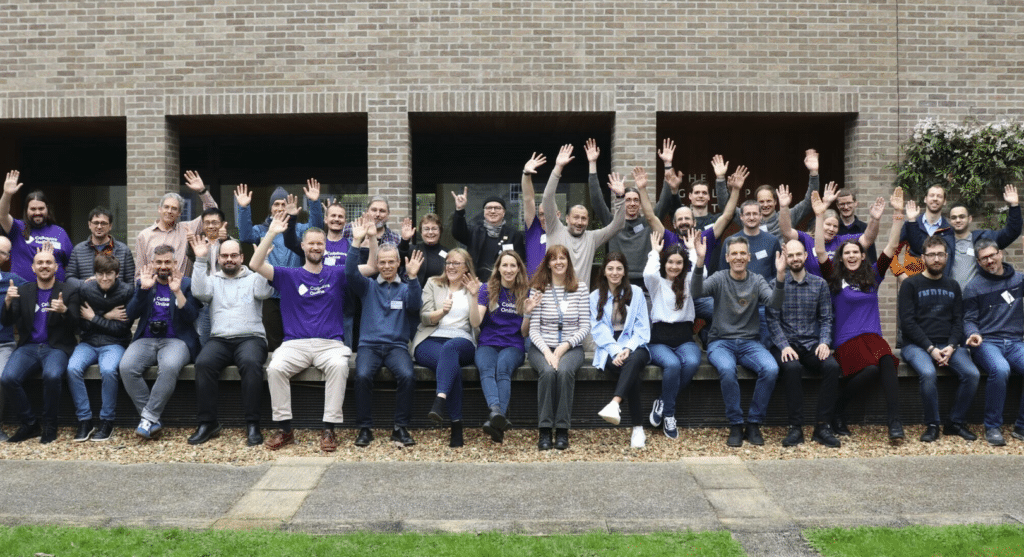
exciting presentations, news about Collabora Online and many nice people: The Cool Days 2023 in Cambridge were a great success!

The “Technical Day” was all about performance improvements, new features, interoperability improvements and partner integrations – e.g. from Collabora to EGroupware.

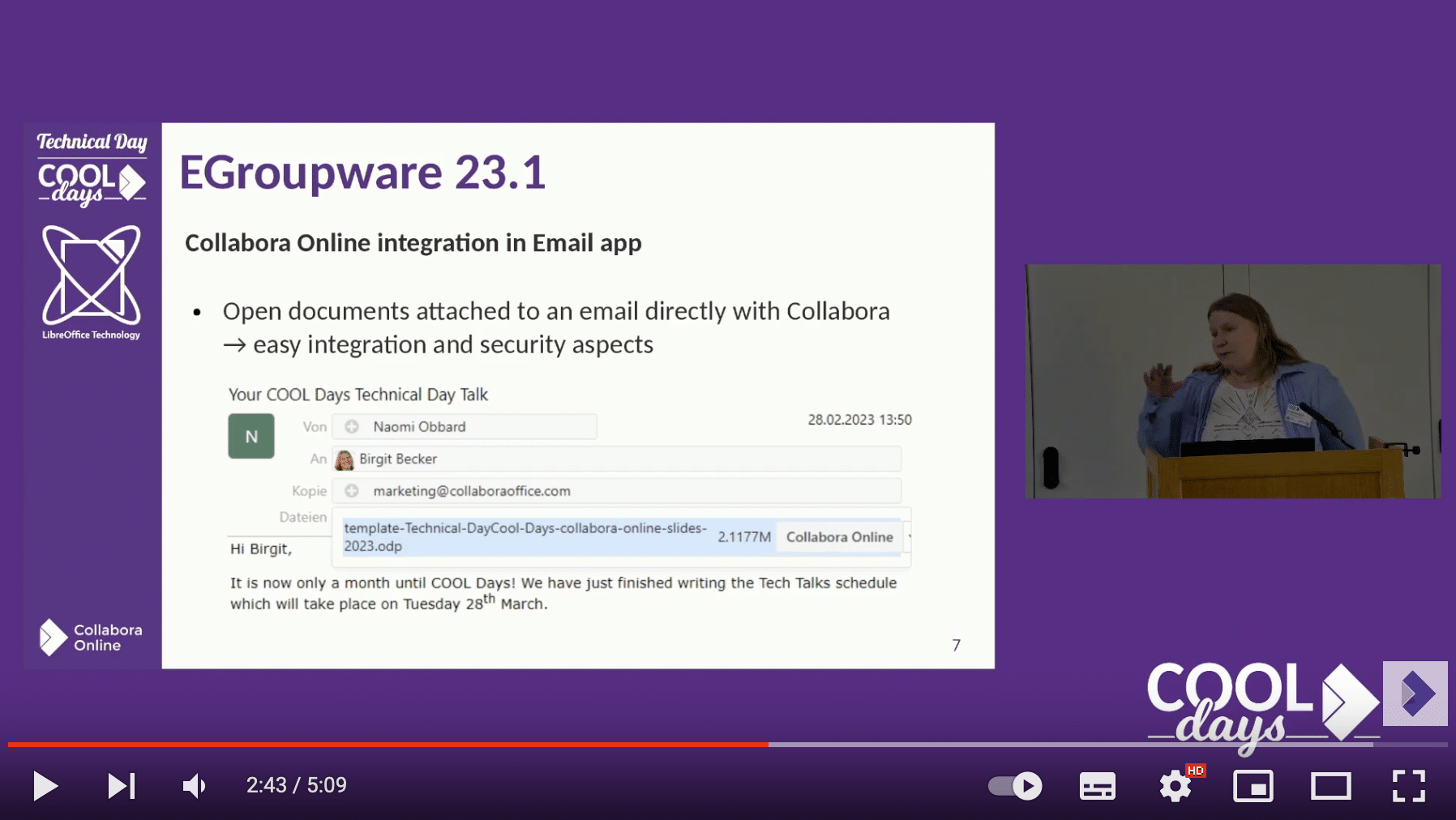
Birgit Becker’s presentation from the current Technical Day shows how EGroupware and Collabora Online work together optimally and which possibilities the integration opens up for you as a user for a perfect workflow.
In the short presentation you will learn everything about the new features of 23.1, as well as the linking of Collabora Online with EGroupware’s Email App and the Filemanager. Also interesting in terms of document and email workflow is the use of EGroupware data in Collabora Online templates (filling of placeholders).


>> Video

>> Slides (GitHub)

We are already looking forward to the next Cool Days!

#CollaboraOnline #CoolDays #EGroupware #onlineoffice

EGroupware 16.1

EGroupware 16.1

EGroupware 16.1 Business Competence

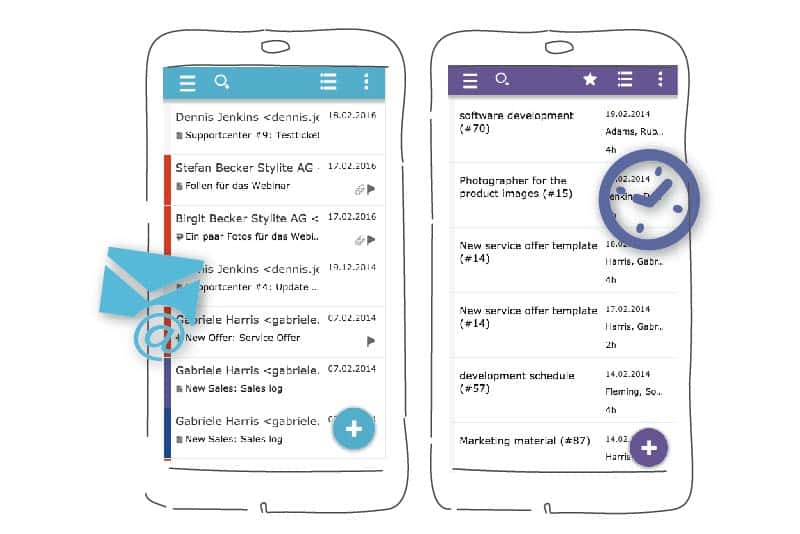
Location-independent communication for companies: The mobile version enables easy access to all data, messages and contacts in EGroupware on the go with a compact display – Perfect for the smartphone or tablet.

The slim design of the new software facilitates the daily use of EGroupware on the desktop – Lightweight design, uniform layout.

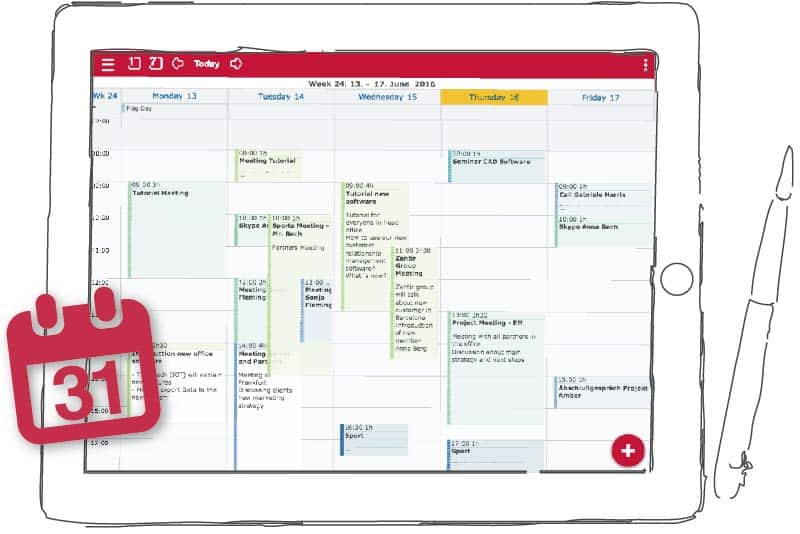
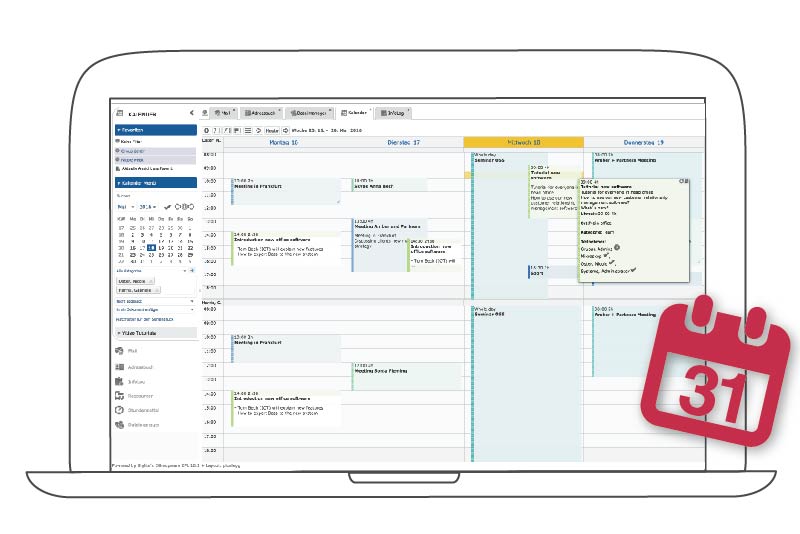
The new calendar offers extended functions and quick usability for the time management of your team – for example, via drag-and-drop and the context menu.

image_mobile

EGroupware 16.1 Technical competence

Online Kalender bzw. Gruppenkalender für Unternehmen auf dem Tablet


End-to-end encryption with PGP for e-mails in connection with the third-party module “Mailvelope” for the desktop versions of Chrome and Firefox.

ActiveSync / Z-Push 2.3 for optimised synchronisation with the smartphone.

EGroupware for on the go – even without Sync. Full compatibility with PHP 7.

New version for mobile devices

The mobile view is easily available to all users without prior installation. Your team can start directly with it.

The mobile template shows all entries in EGroupware at all times and thus goes beyond individual synchronised applications.

We have placed special emphasis on a good display on mobile devices. Together with our testers, our development team has revised the applications for mobile devices so that everything remains clear in less space.

Colour codes now help you find the different applications more quickly. The menu of each view can be collapsed by the user – for more space on the smartphone.

You can switch to other applications more quickly via the app overview.

A click on the avatar shows or hides the familiar top menu settings. The mobile template supports swipe gestures as you know them from your mobile device.

The context menu button replaces the right-click. Here you can open various actions and apply them to your entries while on the move.

With the plus button you can quickly add new entries – similar to what you are used to from your mobile device with other (native) applications.

A simple click on the star button now shows your favourites on mobile devices – contacts or appointments that are particularly important to you are displayed more quickly.

Completely new calendar

Terminplanung online mit dem Online Teamkalender von EGroupware


From 16.1, the toolbar in the header area is perfectly adapted to the use of the calendar. Here you can quickly switch between the day, week or month view with just one click or hide the weekend.

Views that you don’t need often can simply be dragged out of the toolbar and dropped into “more”.

In the calendar, too, colours now show the categories in each view. This makes appointment coordination with EGroupware even clearer.

Appointments can now also be moved between different calendars by drag-and-drop. Thus, for example, inviting people to appointments is even faster than before. The new colleague is responsible for selecting a product photographer – simply drag the entry onto his or her calendar.


New, light look and feel

The side menu can be switched off in all applications from 16.1. This means that there is more space to work even on smaller screens.

EGroupware remembers for each application whether you prefer the side menu open or closed. If you jump between apps, you do not have to switch off the side menu again.

From now on, you will always find the Add button in the top left corner of the header – no matter whether it is the calendar or the address book.

EGroupware 16.1 has been optimised for switching between different monitors. This makes it easier for you to work with different screens.

This site is registered on wpml.org as a development site. Switch to a production site key to remove this banner.