
Deprecated: Creation of dynamic property GW_GoPricing_Shortcodes::$globals is deprecated in /var/www/html/wp-content/plugins/go_pricing/includes/shortcodes/class_shortcodes.php on line 40 Tutorials Archives - Page 2 of 3 - EGroupware
EGroupware Admin Basics

EGroupware Admin Basics

EGroupware Admin Basics

You are currently viewing a placeholder content from YouTube. To access the actual content, click the button below. Please note that doing so will share data with third-party providers.

More Information

EGroupware Admin Basics

Basics of EGroupware administration: How to create users and groups, add categories, define access rights and custom fields.

If you have further questions, please feel free to contact the EGroupware Support.
[dt_default_button link=”url:https%3A%2F%2Fwww.egroupware.org%2Fen%2Ftutorials|title:Webinars%20%E2%80%93%20Tutorials” size=”custom” border_radius=”3px”]More Tutorials[/dt_default_button]
Basic Features

Basic Features

Basic Features

You are currently viewing a placeholder content from YouTube. To access the actual content, click the button below. Please note that doing so will share data with third-party providers.

More Information

Basic Features

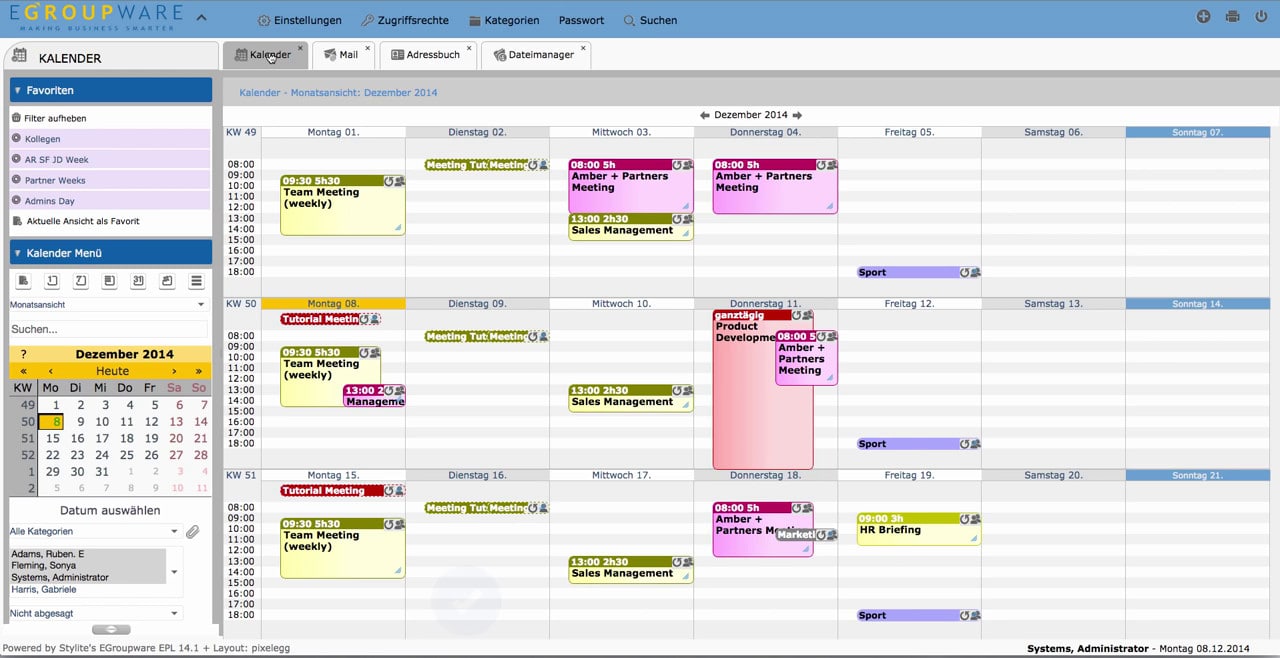
EGroupware basic features and functions in all applications.

If you have further questions, please feel free to contact the EGroupware Support.
[dt_default_button link=”url:https%3A%2F%2Fwww.egroupware.org%2Fen%2Ftutorials|title:Webinars%20%E2%80%93%20Tutorials” size=”custom” border_radius=”3px”]More Tutorials[/dt_default_button]
E-Mail Account Management

E-Mail Account Management

E-Mail Account Management

You are currently viewing a placeholder content from YouTube. To access the actual content, click the button below. Please note that doing so will share data with third-party providers.

More Information

E-Mail Account Management

Step by step guide to add an existing IMAP E-mail account to EGroupware by using EGroupware E-Mail configuration wizard.

If you have further questions, please feel free to contact the EGroupware Support.
[dt_default_button link=”url:https%3A%2F%2Fwww.egroupware.org%2Fen%2Ftutorials|title:Webinars%20%E2%80%93%20Tutorials” size=”custom” border_radius=”3px”]More Tutorials[/dt_default_button]
E-Mail Administration

E-Mail Administration

E-Mail Administration

You are currently viewing a placeholder content from YouTube. To access the actual content, click the button below. Please note that doing so will share data with third-party providers.

More Information

E-Mail Administration

An EGroupware administrator can change settings for users in EGroupware Mail hosting, create new mail accounts shared by several users, create mail profiles for all users and create a pure SMTP outbox account.

If you have further questions, please feel free to contact the EGroupware Support.
[dt_default_button link=”url:https%3A%2F%2Fwww.egroupware.org%2Fen%2Ftutorials|title:Webinars%20%E2%80%93%20Tutorials” size=”custom” border_radius=”3px”]More Tutorials[/dt_default_button]
E-Mail Basics

E-Mail Basics

E-Mail Basics

You are currently viewing a placeholder content from YouTube. To access the actual content, click the button below. Please note that doing so will share data with third-party providers.

More Information

EGroupware E-Mail Basics

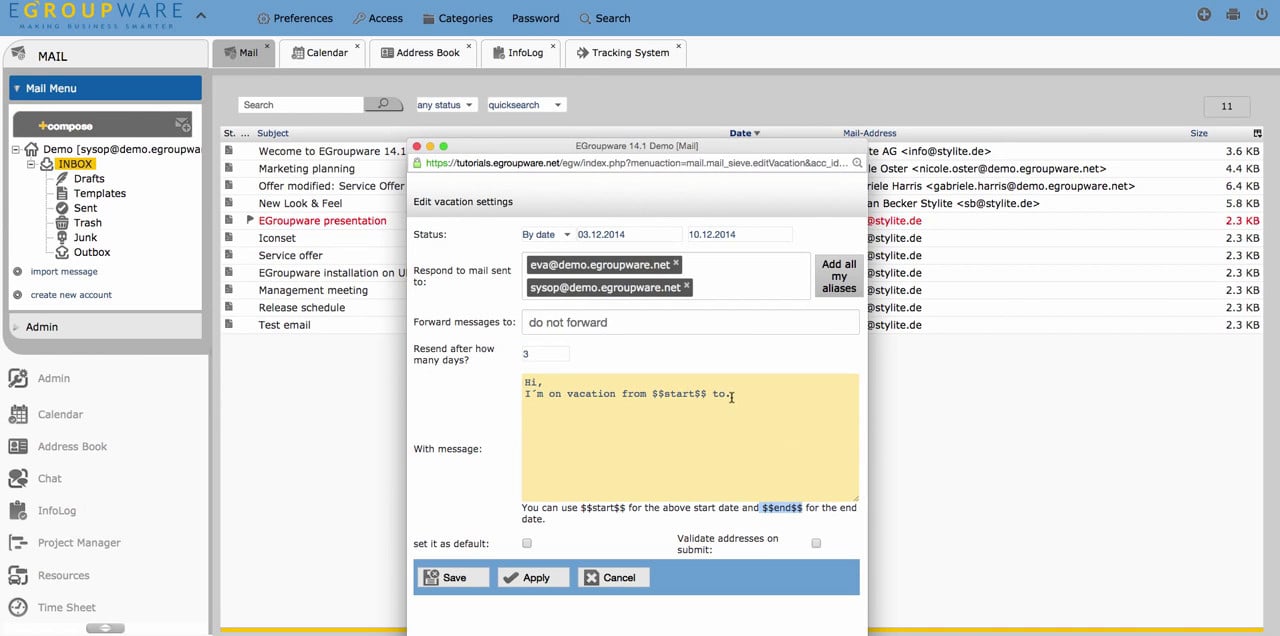
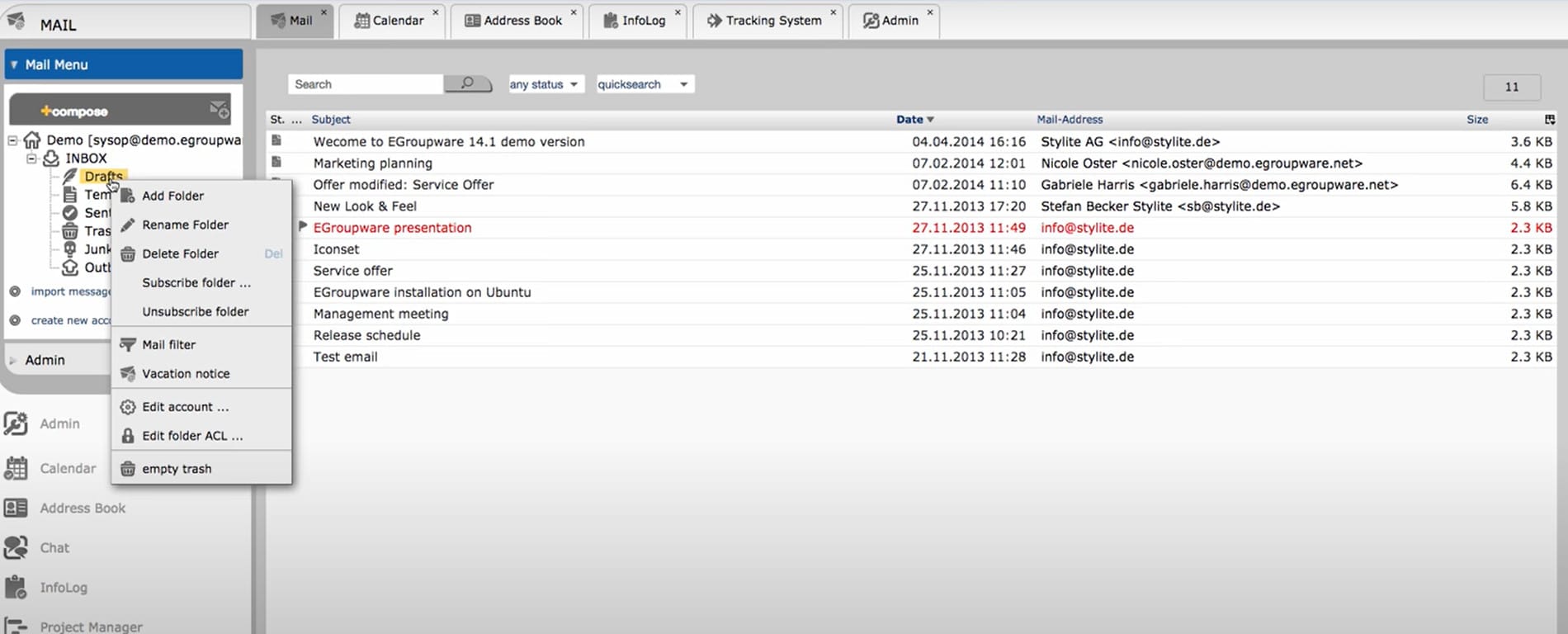
Basic features of E-Mail application: Folder management, vacation notice settings, preview options, the use of context menus and how to work with E-Mail directly from AddressBook.

If you have further questions, please feel free to contact the EGroupware Support.
[dt_default_button link=”url:https%3A%2F%2Fwww.egroupware.org%2Fen%2Ftutorials|title:Webinars%20%E2%80%93%20Tutorials” size=”custom” border_radius=”3px”]More Tutorials[/dt_default_button]
EGroupware CRM – Customer Relationship Management Software

EGroupware CRM – Customer Relationship Management Software

EGroupware CRM

You are currently viewing a placeholder content from YouTube. To access the actual content, click the button below. Please note that doing so will share data with third-party providers.

More Information

EGroupware CRM

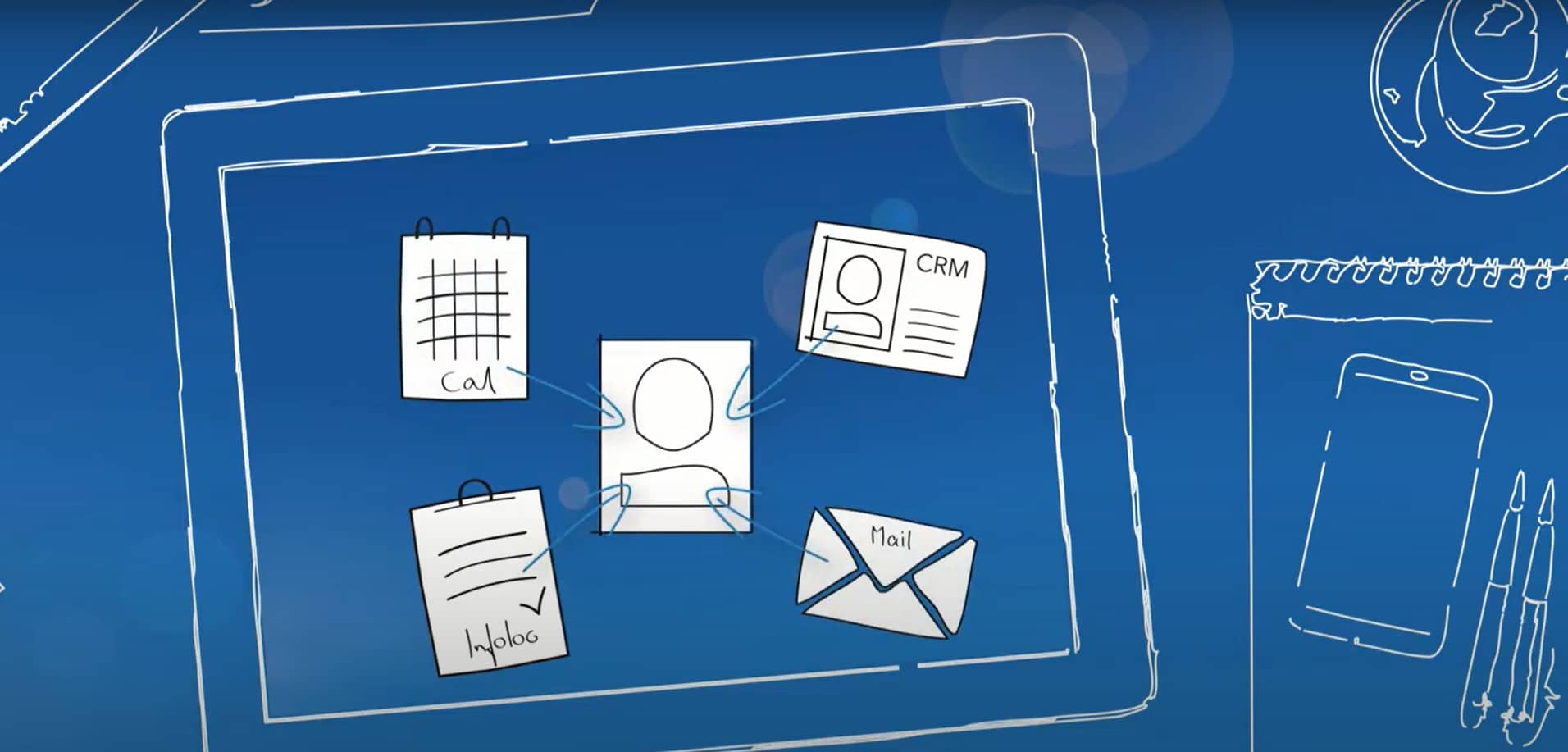
“Customer Relationship Management” – This video shows, how contacts and events of customers or partners can be edited with Addressbook, Calendar and InfoLog. EGroupware’s CRM view plays a major role.

If you have further questions, please feel free to contact the EGroupware Support.

[dt_default_button link=”url:https%3A%2F%2Fwww.egroupware.org%2Fen%2Ftutorials|title:Webinars%20%E2%80%93%20Tutorials” size=”custom” border_radius=”3px”]More Tutorials[/dt_default_button]
This site is registered on wpml.org as a development site. Switch to a production site key to remove this banner.